
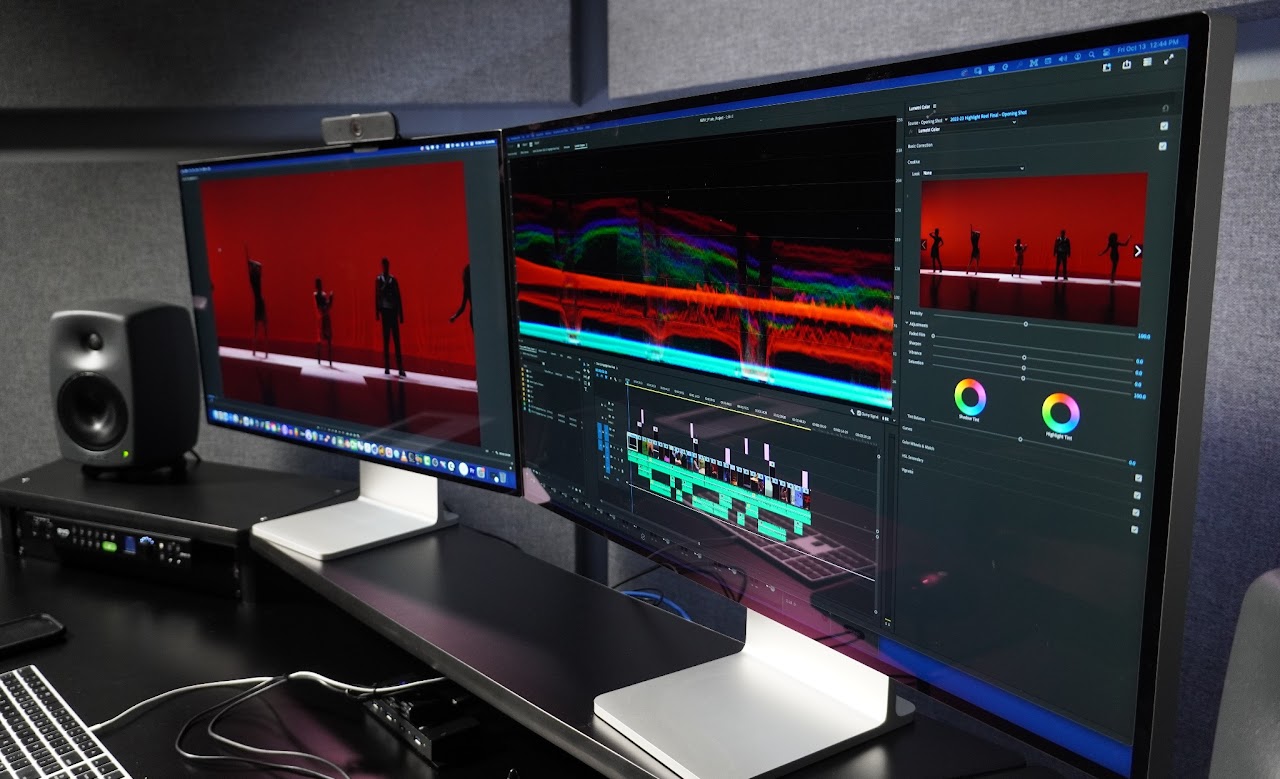
Multimedia Rooms
Self-service production room for independent artists
Welcome to the Multimedia Rooms, a resource unparalleled by any other on campus. Available 24/7 by reservation, whenever the Duderstadt Center is open, the Multimedia rooms are more than a collection of computer hardware, but an environment custom engineered to elevate your creative process. Designed for beginner content creators to seasoned media professionals, we have you covered!
Common project types: Video editing, video composition, color correction, audio mixing and composition, graphic design, and podcasting
Walk-in Hours: 24/7 (Reservation Only)
Location: 1303-1311, Duderstadt Center
Contact: [email protected]
Get Access
The Multimedia Rooms are open to creators of all experience levels. Expand the sections below to learn how to get access, get set up, find support when you need assistance.
Who it’s for: U-M students, faculty, and staff
Steps to get access
- Complete the Multimedia Room – Virtual Orientation in Canvas.
- Submit the user agreement (final step in the module).
The Multimedia Room Knowledge Base has instructional material, tips and tricks, as well as troubleshooting information.
The DC support staff are ready to consult and help guide you through your post production process. For assistance or consultation please email [email protected]
Large groups, including classes, departments, and student organizations, can schedule in person workshops by emailing [email protected].
Multimedia Room Resources
The Multimedia Rooms are full blown professional audio, video, and design suites. They provide industry standard audio monitoring, displays capable of accurate color correction, and accessories to help with all aspects of post-production.
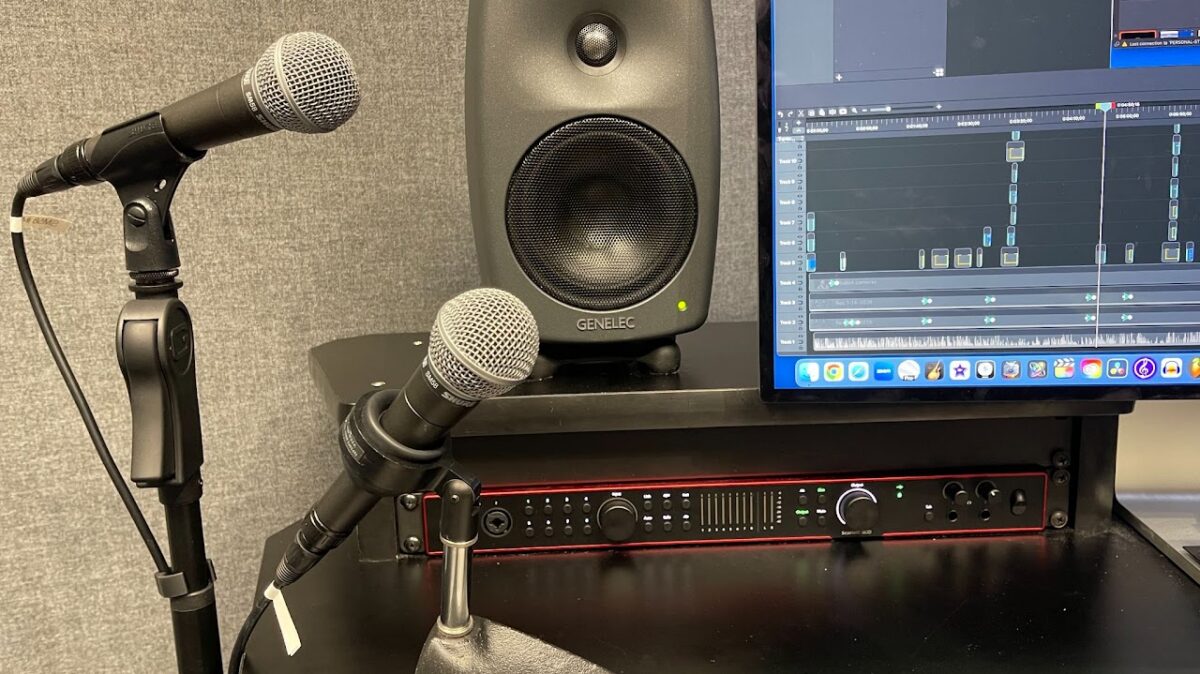
Dual Shure SM58 Microphones
Each Multimedia Room comes with two Shure SM58 mics on stands. The mics are connected to inputs 3&4 in the Focusrite Scarlett
Note: The mics are labeled on the mic and in the Focusrite Control 2 app, indicating which input they are plugged in to
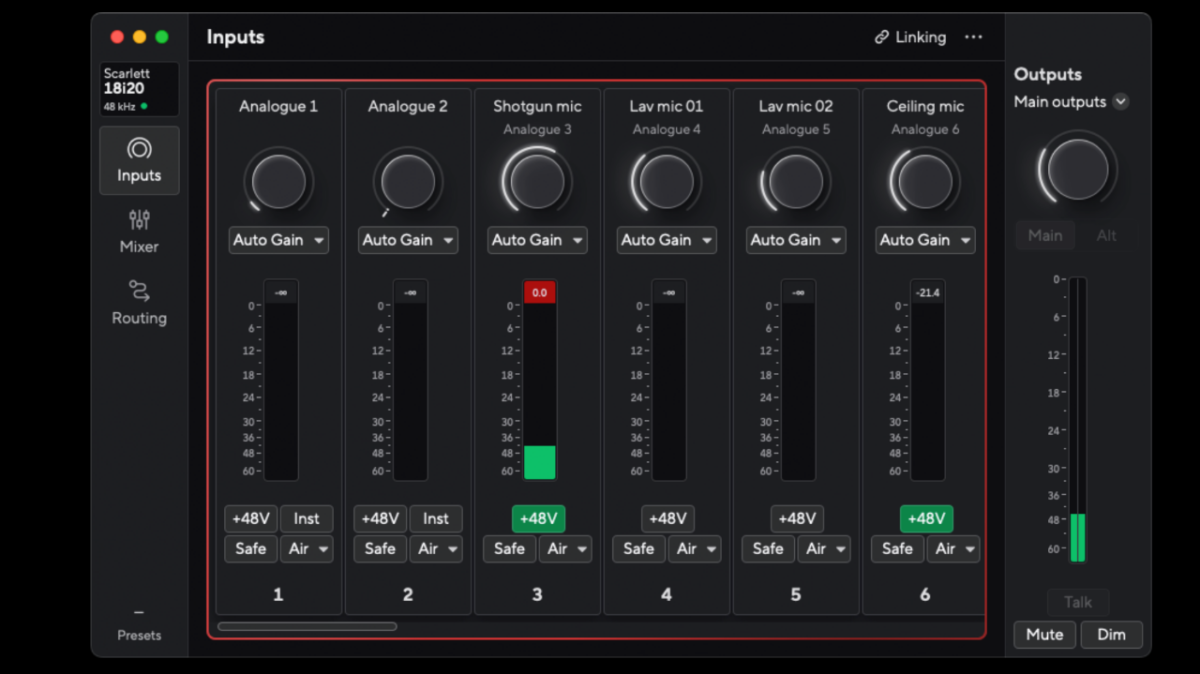
Focusrite Audio Interface and Control 2
The Focusrite Scarlett 18i20 hardware device and the Focusrite Control 2 app that lives on the computer both do the same thing. They adjust the levels of the microphones and send that info to any DAW you are using to record your audio. Either option will do the same job, it is a matter of preference.
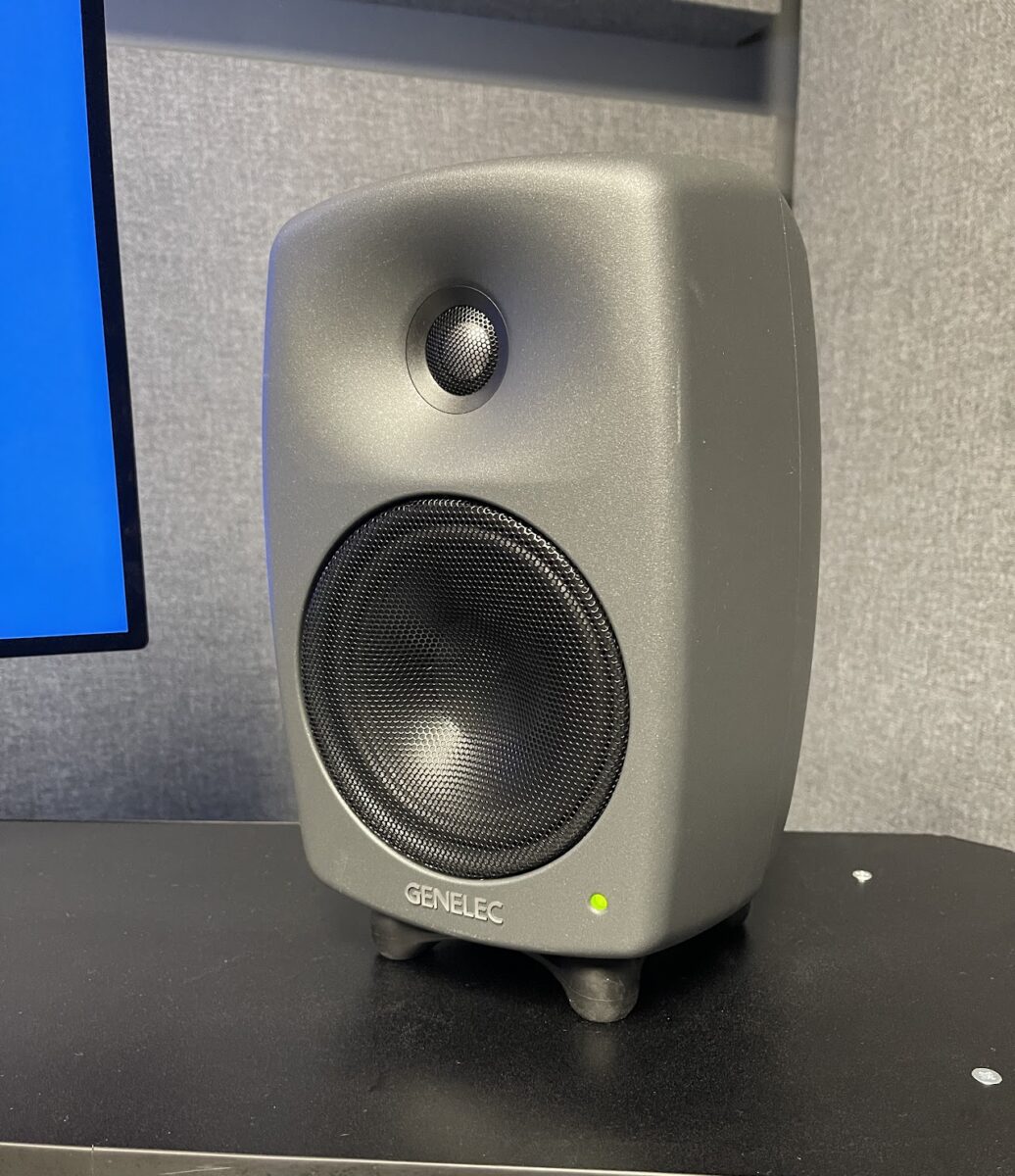
Genelec 8330A Speakers
Combining precision, adaptability and a small footprint, the Genelec 8330A speakers offer colour-free performance and powerful room compensation features.
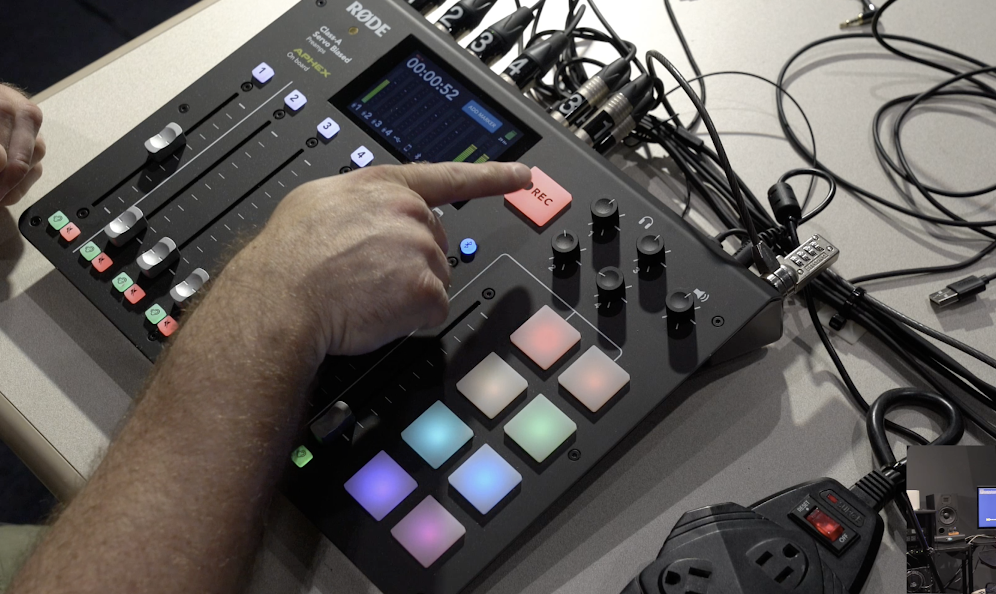
Rodecaster Pro
Located in Multimedia Room 1, the Rodecaster Pro is designed for round-table discussion with up to 4 participants. You can also connect mobile devices to have a guest call into your recording.
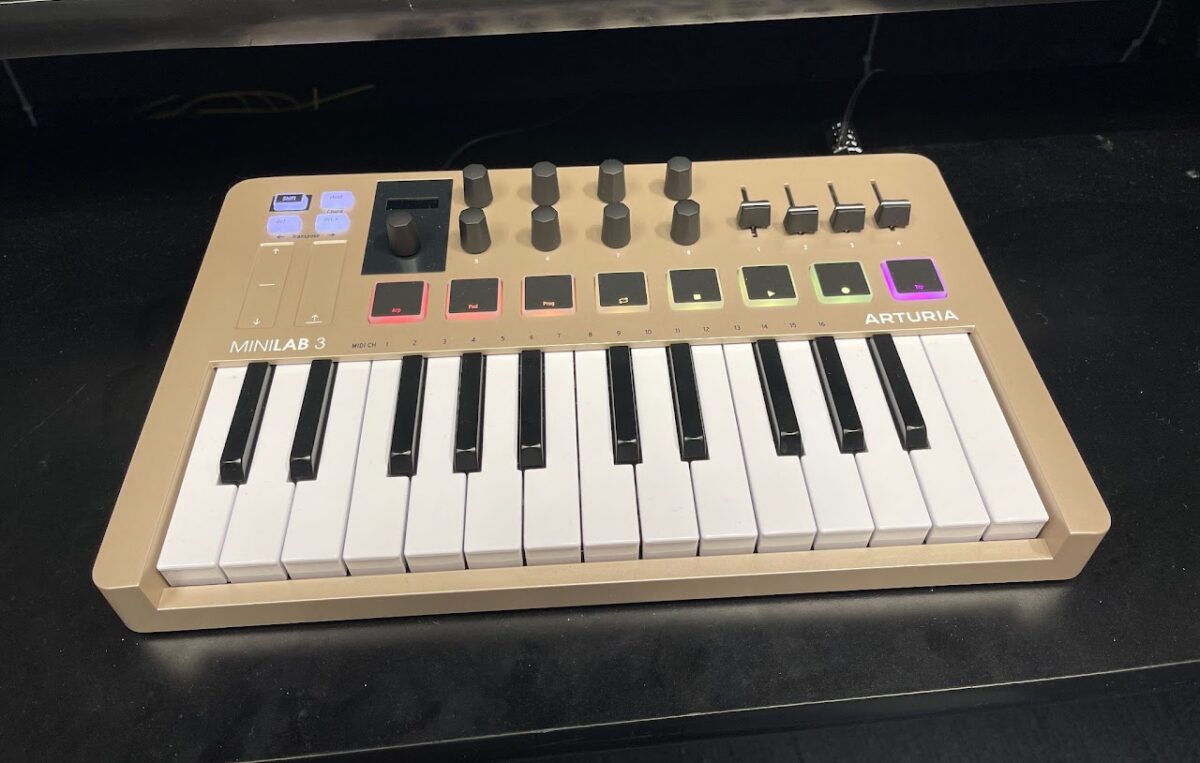
Arturia MiniLab 3 (25-key)
- MIDI controller for a variety of sound production uses.
- Start creating and performing music. Find your own flow and enjoy making music with a plug-and-play MIDI keyboard that does it all. MiniLab 3 gives you easy controls, great-feeling keys, and a fully-integrated all-in-one software package that’s ready to get creative right out the box.
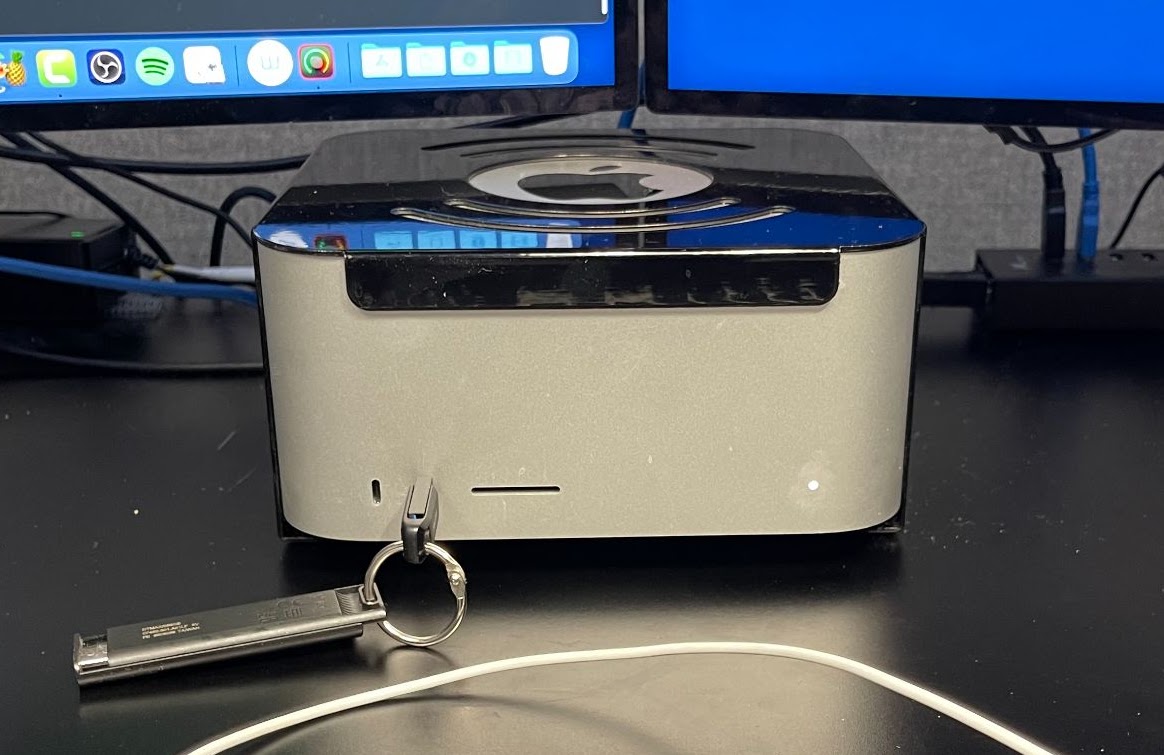
Mac Studio (M3 Ultra)
- Mac Studio M3 Ultra Computers with 256GB of memory and 1TB of storage space (on the “Temp Storage Drive”)
- The computer face offers female Thunderbolt 4/USB-C access, and an SD card reader (USB-A ports are on hub next to computer).
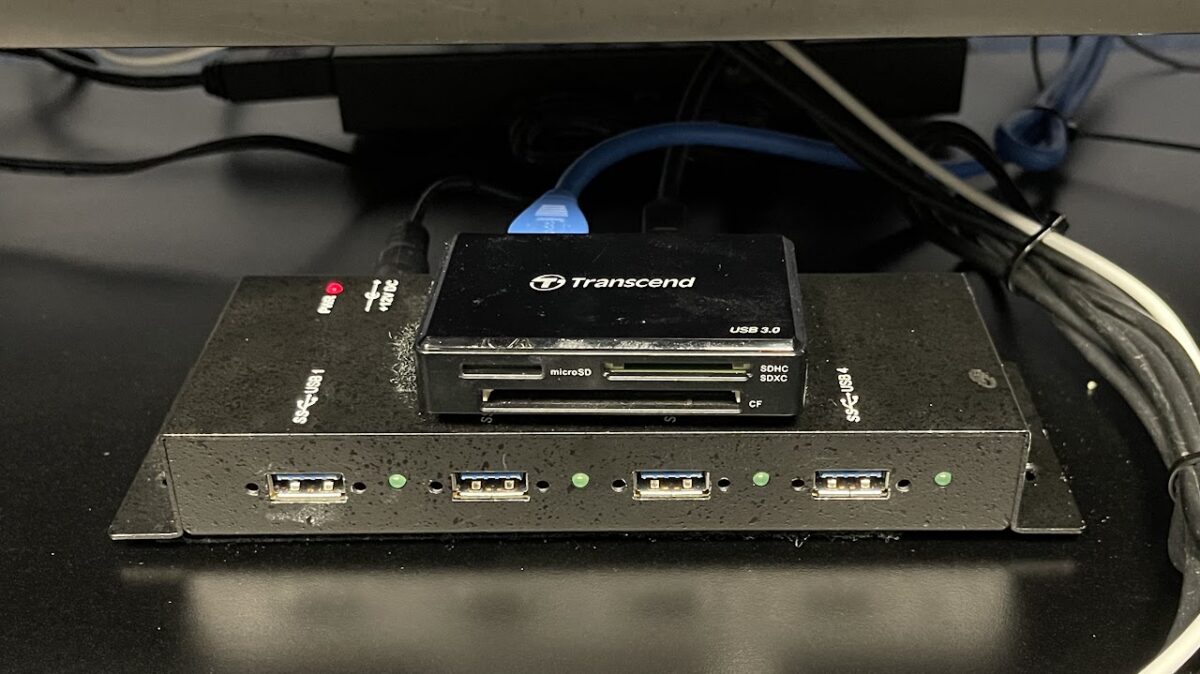
USB Hub and Card Reader
- USB 3 type A hub
- SD, MicroSD, and Compact Flash (CF) card reader
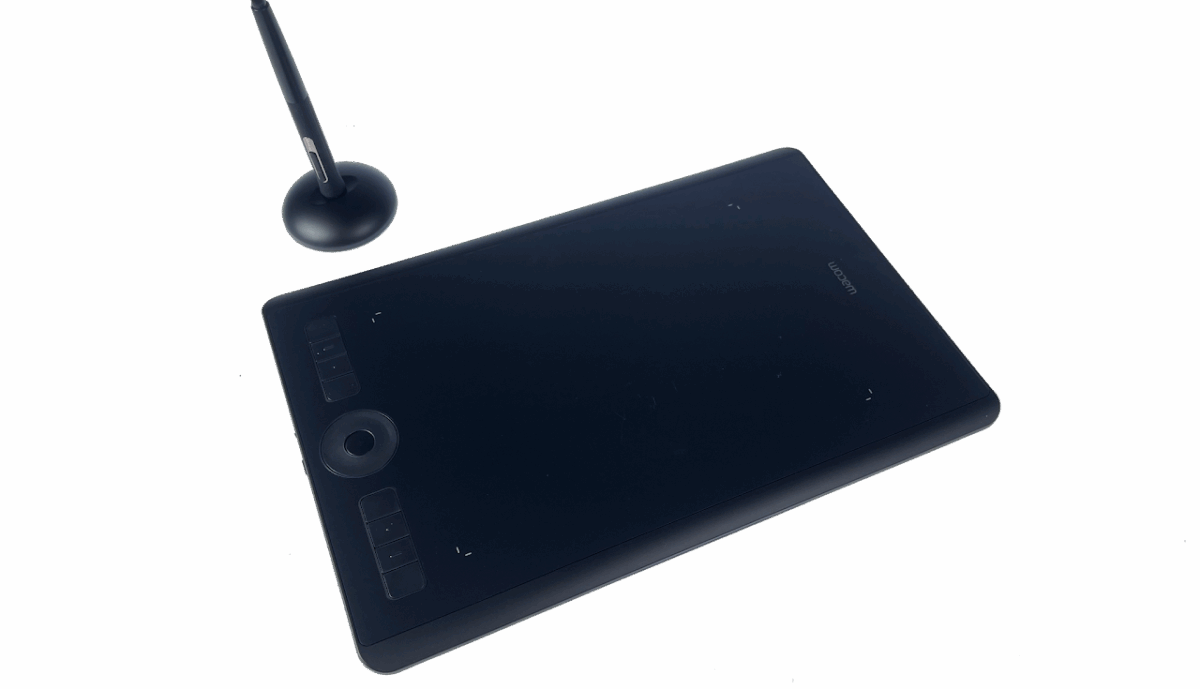
Wacom Intous Pro
Located in our Multimedia Rooms, Intous Pro is a similar drawing-like tablet used for digital illustration or as a fine tuned track pad.
Multimedia Rooms offer a wide range of software for creative production. View the Software List page for a complete list of available programs.
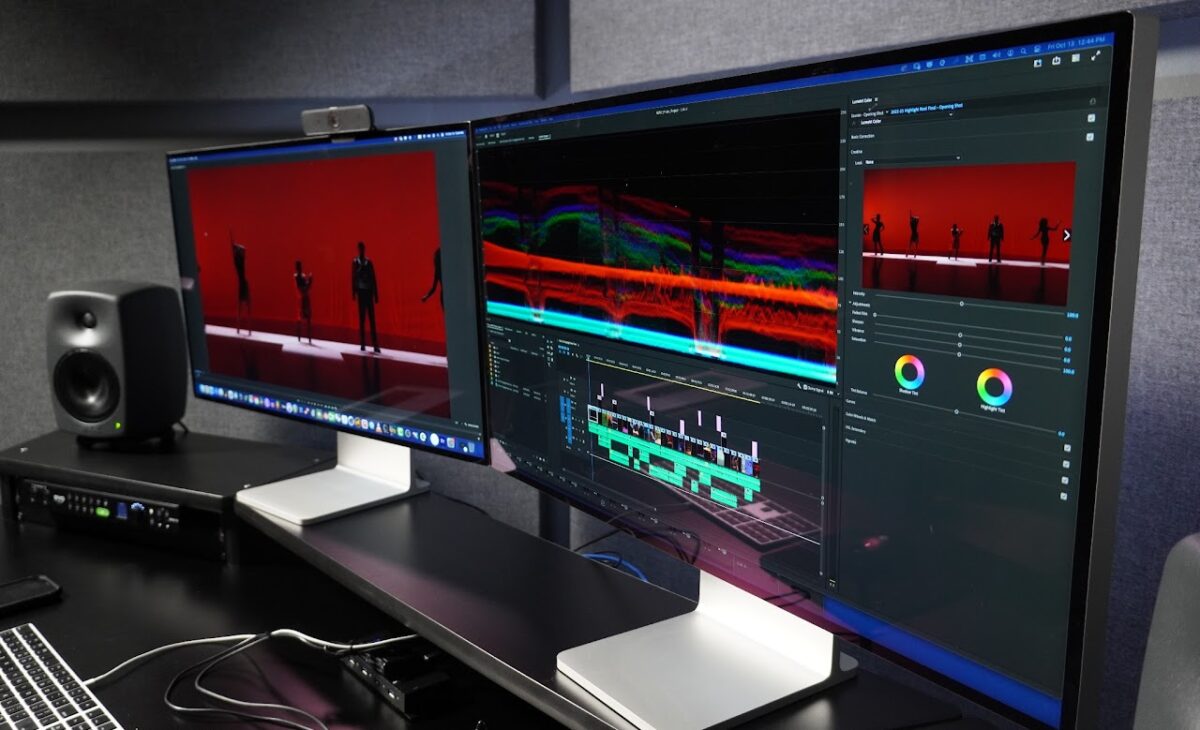
Dual Apple Pro Display XDR (6K)
- Color accurate, high resolution display
- The Apple Pro Display XDR is the first 32-inch Retina 6K display ever. Up to 1600 nits of brightness. An astonishing 1,000,000:1 contrast ratio and super wide viewing angle. Over a billion colors presented with exceptional accuracy. And dynamic range that transforms the professional workflow. Introducing Apple Pro Display XDR, the world’s best pro display.
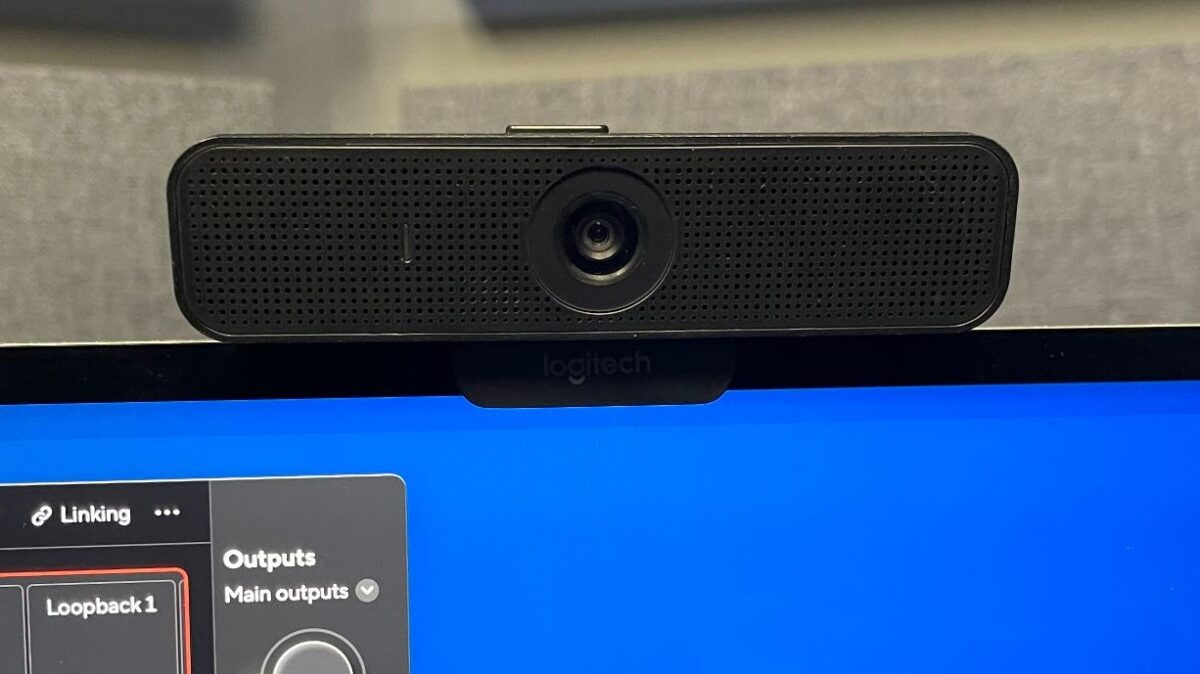
Logitech C920 Webcam
- The provided Logitech C920 webcam is available for a Zoom meeting, or Camtasia recording. It is not active until you make it so. There is also a microphone on the webcam if that is a preferable option to the SM58
- Camera can capture at a maximum resolution of 1080p.
Policy & Safety
The safety is the top priority for using the Multimedia Rooms. Please make sure you read and understand our policy and safety rules thoroughly before using the space. It is also included in the online orientation.
About Us
- Groundworks welcomes all U of M Students, faculty, & Staff.
- Groundworks is open and its resources are available whenever the Duderstadt Center is open.
- Activities conducted within the Groundworks must adhere to policies and guidelines outlined by the University of Michigan Standard Practice Guide.
- It is the responsibility of the User to adhere to the University guidelines found in SPG 601.28 regarding creation and ownership of media created in Groundworks. Use this QR Code to view SPG 601.28
Safety
- Users are not authorized to unplug, reconfigure, or rewire the equipment of the space.
- The computers are wiped regularly. You are responsible for your data.
- Hardware connected to computers in Groundworks have priority. If not using included hardware at a workstation, you may be asked to move.
Use
Groundworks is a collaboration area.
- Conversations are expected and accepted. Feel free to speak aloud to peers.
- Please be aware of your surroundings and be polite when either making noise or working around noise.
- Users are not permitted to hire out their services while using the Groundworks facilities.
When you leave:
- Before leaving Groundworks be sure to return tools to the consulting desk, clean up any mess you may have made, and take all project work and personal belongings with you.
- Unattended items will be turned over to Lost and Found or discarded.
- Groundworks staff is not responsible for the theft, damage, or misplacing of items.
Note: Access may be revoked for non-compliance with these policies.
General Policy
Staff
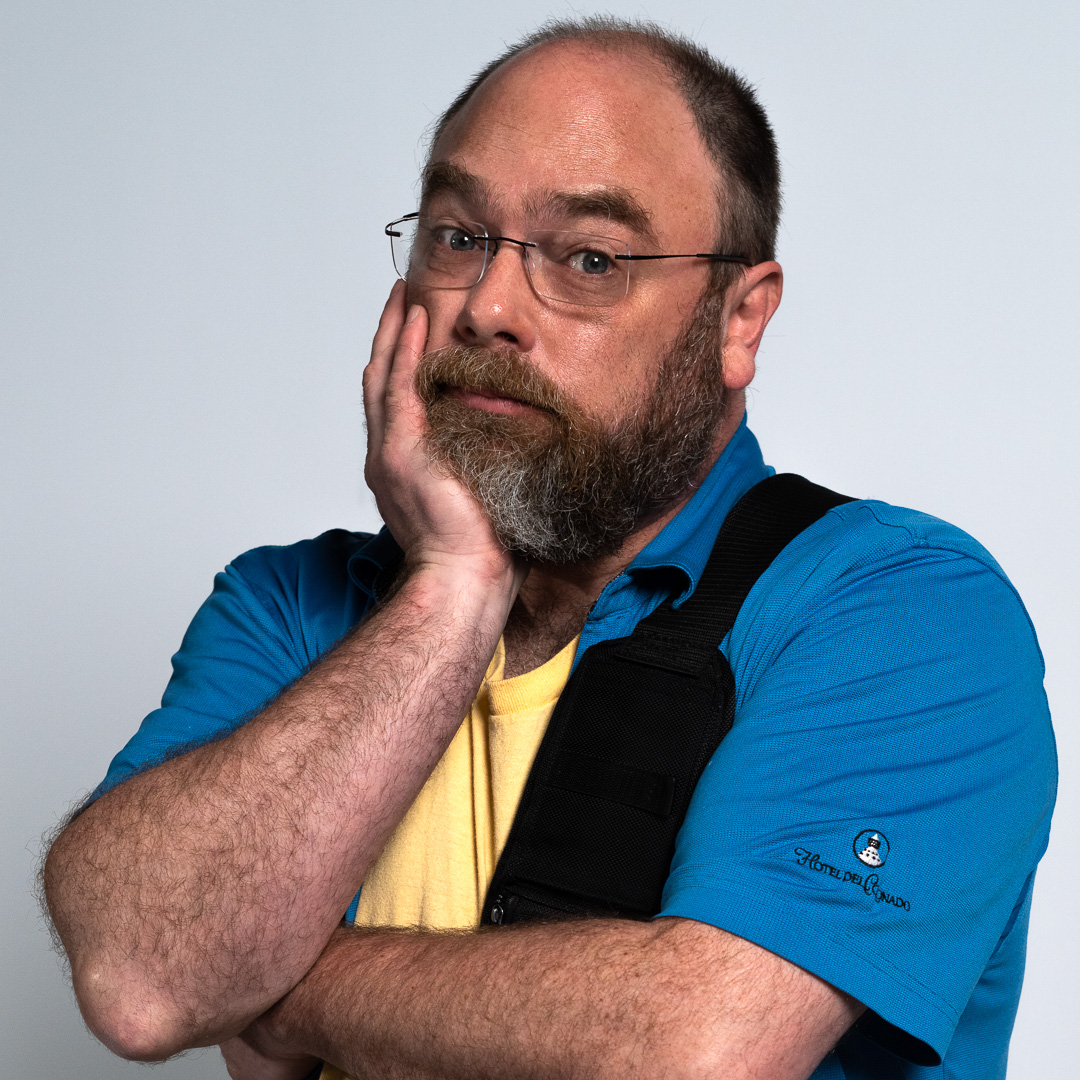
Ryan N. Wilcox
Manager, Groundworks/ Ground Connections