
Design Lab 1
A multifunctional hub where bold ideas turn into real prototypes
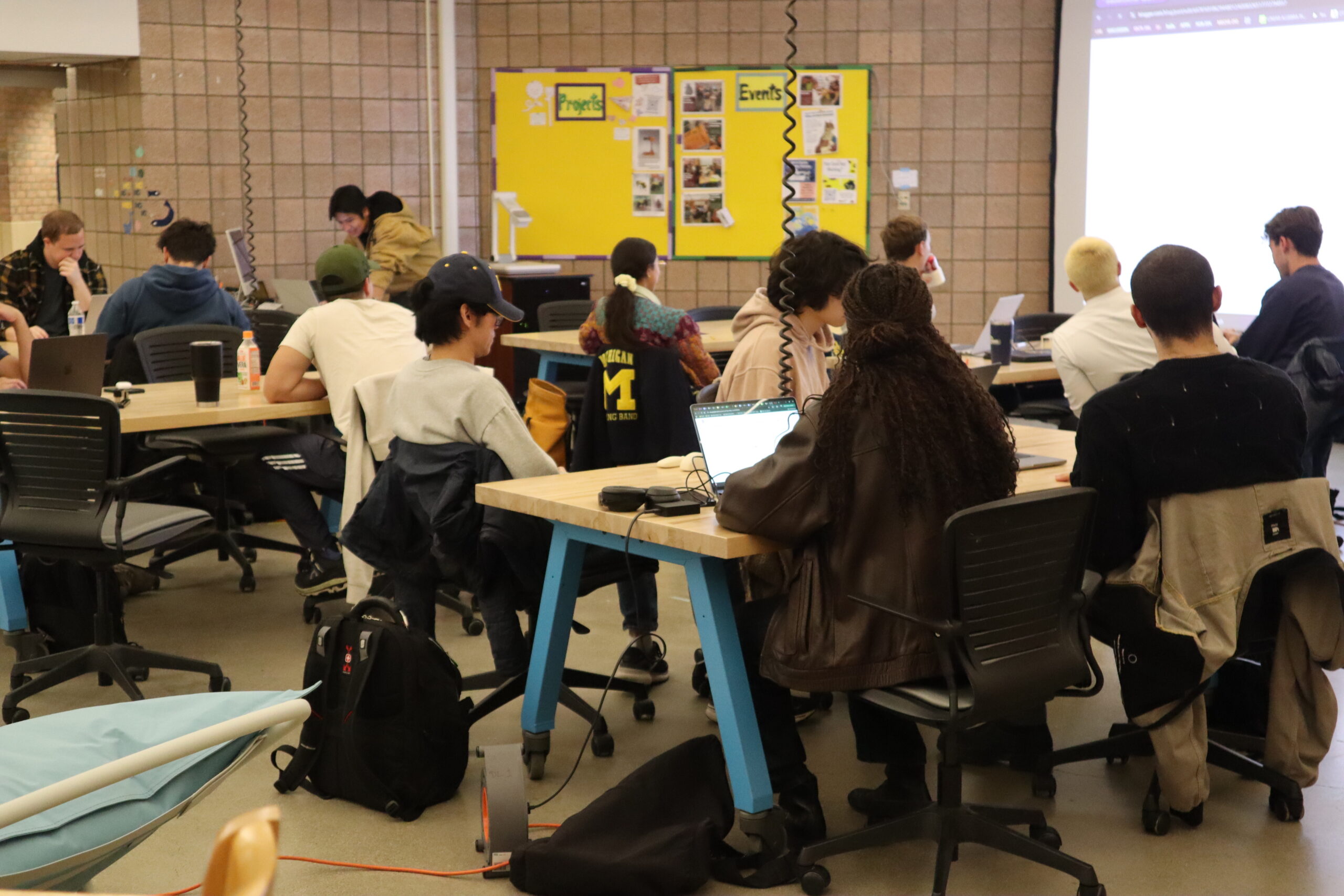
Welcome to Design Lab 1! Design Lab 1 is a hub for collaboration, experimentation, and community engagement.Our space is dedicated to fostering interdisciplinary ideation and design. Here, students sketch and share ideas that can be further refined using the DMC’s specialized studios.
Walk-in Hours: Mon–Fri, 9AM–9PM (Closed on Weekend)
Staff Support: Mon–Fri, 9AM–9PM
Location: 1321, Duderstadt Center
Contact: [email protected] | [email protected] (for Reservation Only)
News & Events
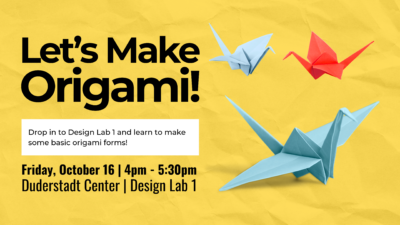


Made a project in Design Lab you’d like to share? Submit a picture of your project with some details for our Project Board! Use the Project Board Submission Form to share your work with us.
Community Features
Design Lab 1 offers community-centered resources that support collaboration, skill-building, and learning for the U-M community. Explore the sections below to find more helpful information.
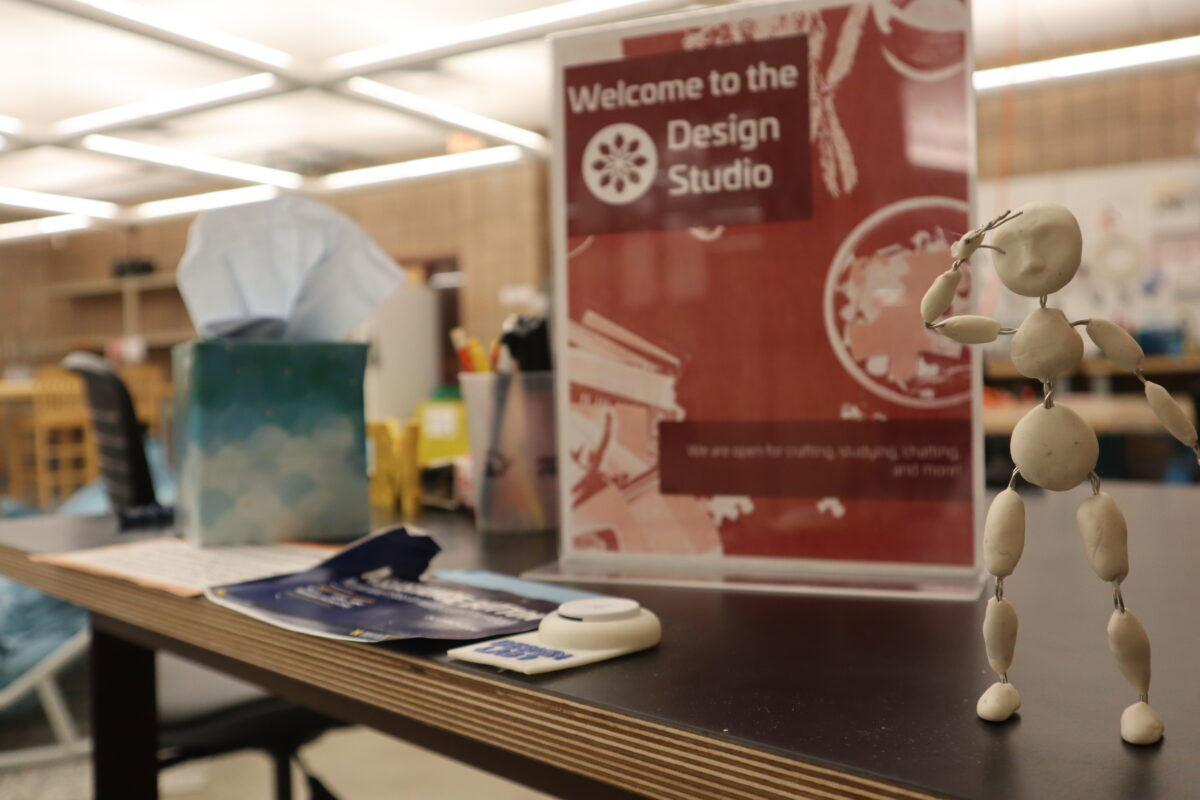
Ground Connections Fellows are knowledgeable staff who bring diverse skills to the Design Lab 1 space. They are here to:
- Introduce you to others with shared interests
- Assist you with DL1 resources
- Connect you to experts in other DMC spaces
- Provide project consultation
Open Classroom
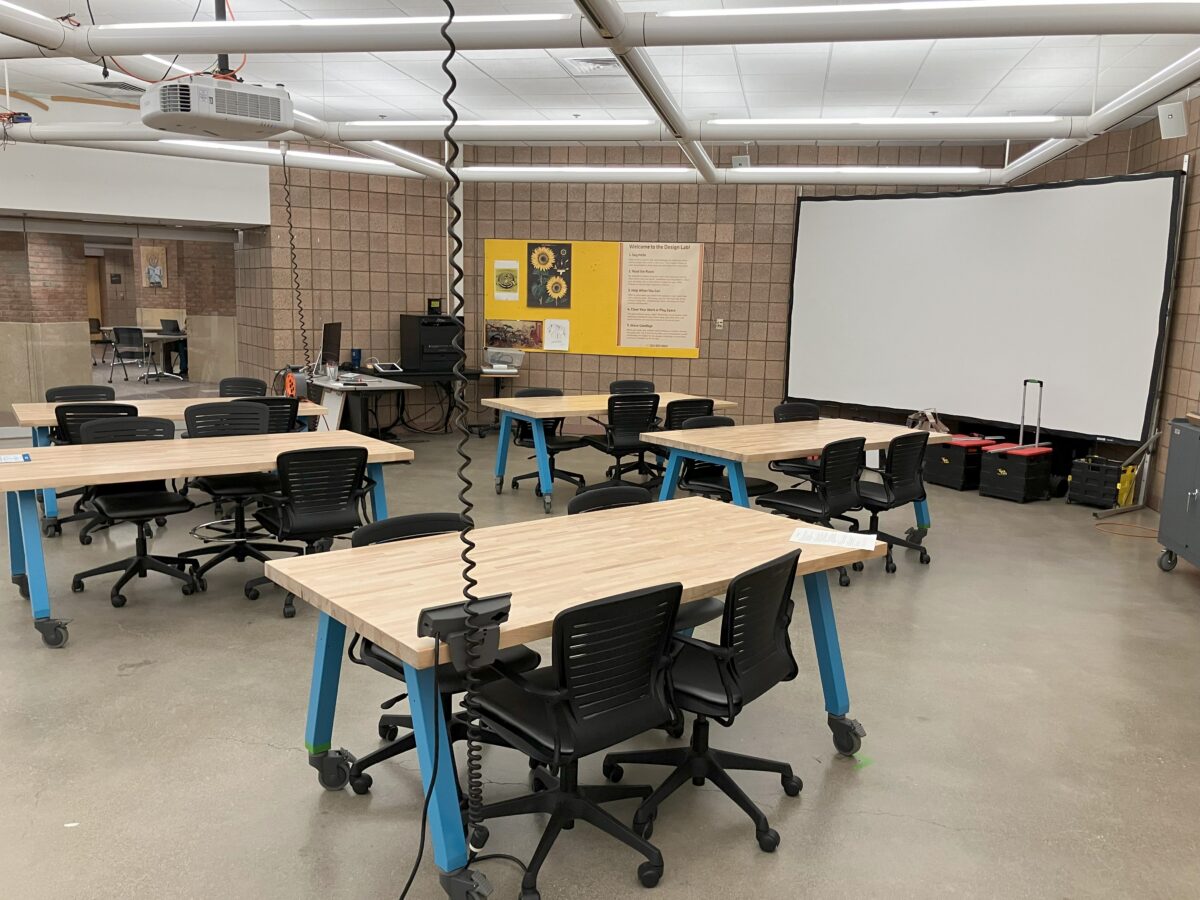
We invite classes, project teams, and clubs to gather here in the company of others. The presentation area at the front of the room can be reserved, but this is not an exclusive reservation, as Design Lab 1 remains open so others may continue to use its unique resources. DC Fellows are available to help facilitate the sharing of resources.
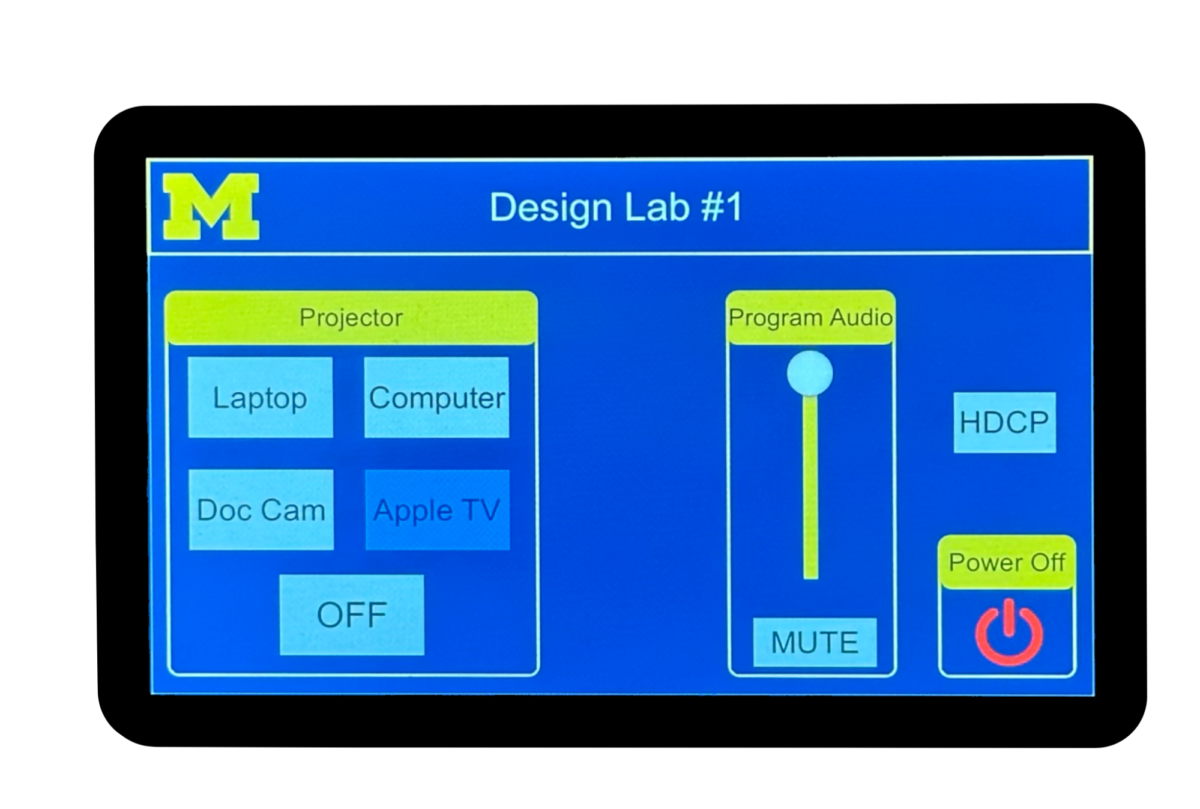
Presentation System
Design Lab 1 offers a large projection screen with a control panel that allows you to switch between the iMac workstation, your laptop computer, and other inputs. To learn how to operate the presentation system, check the Presentation System Operation Instruction or ask the DC Fellow on site for assistance.
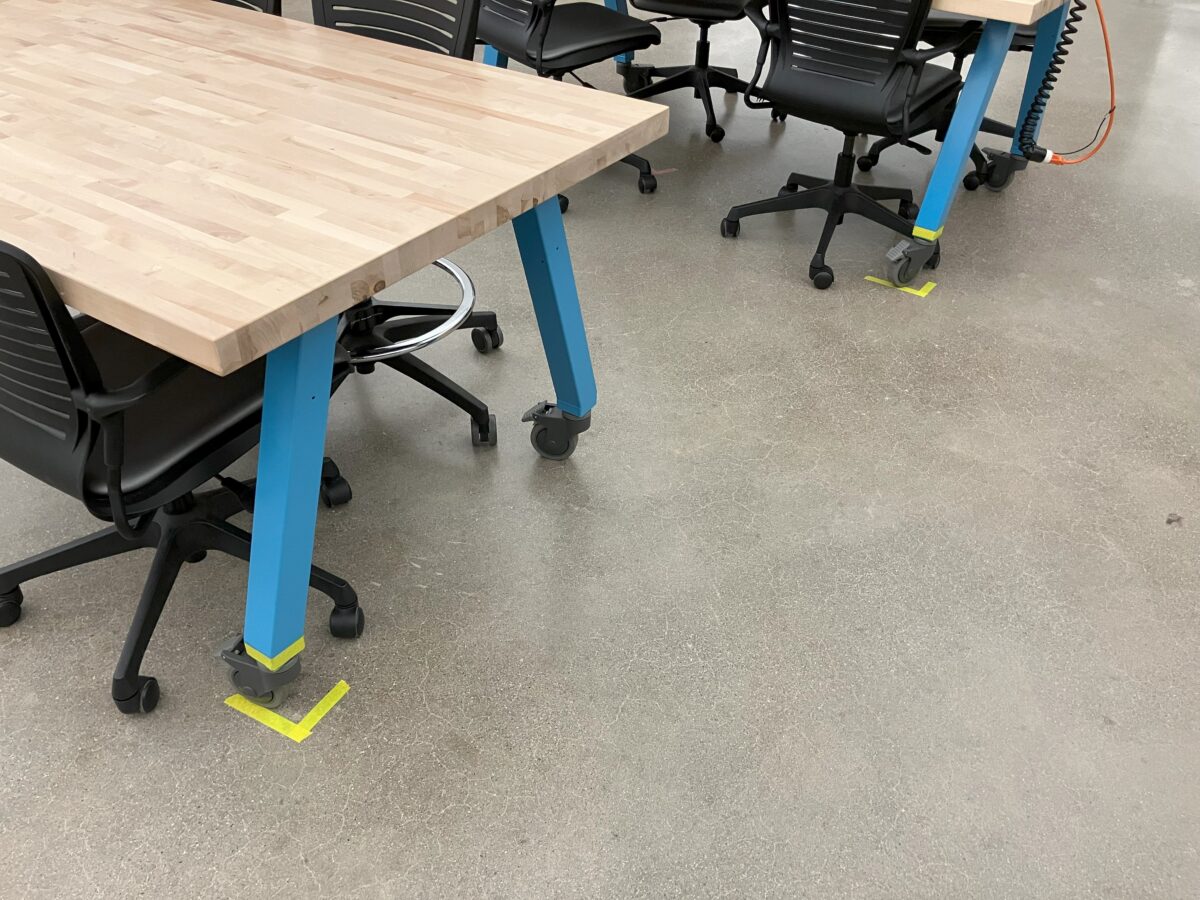
Reconfigurable Classroom
The tables and chairs in DL1 are on wheels allowing you to reconfigure the presentation area to your needs. When your activities have concluded the room should be reset to its Default Configuration by aligning the tables with the markings found on the floor.
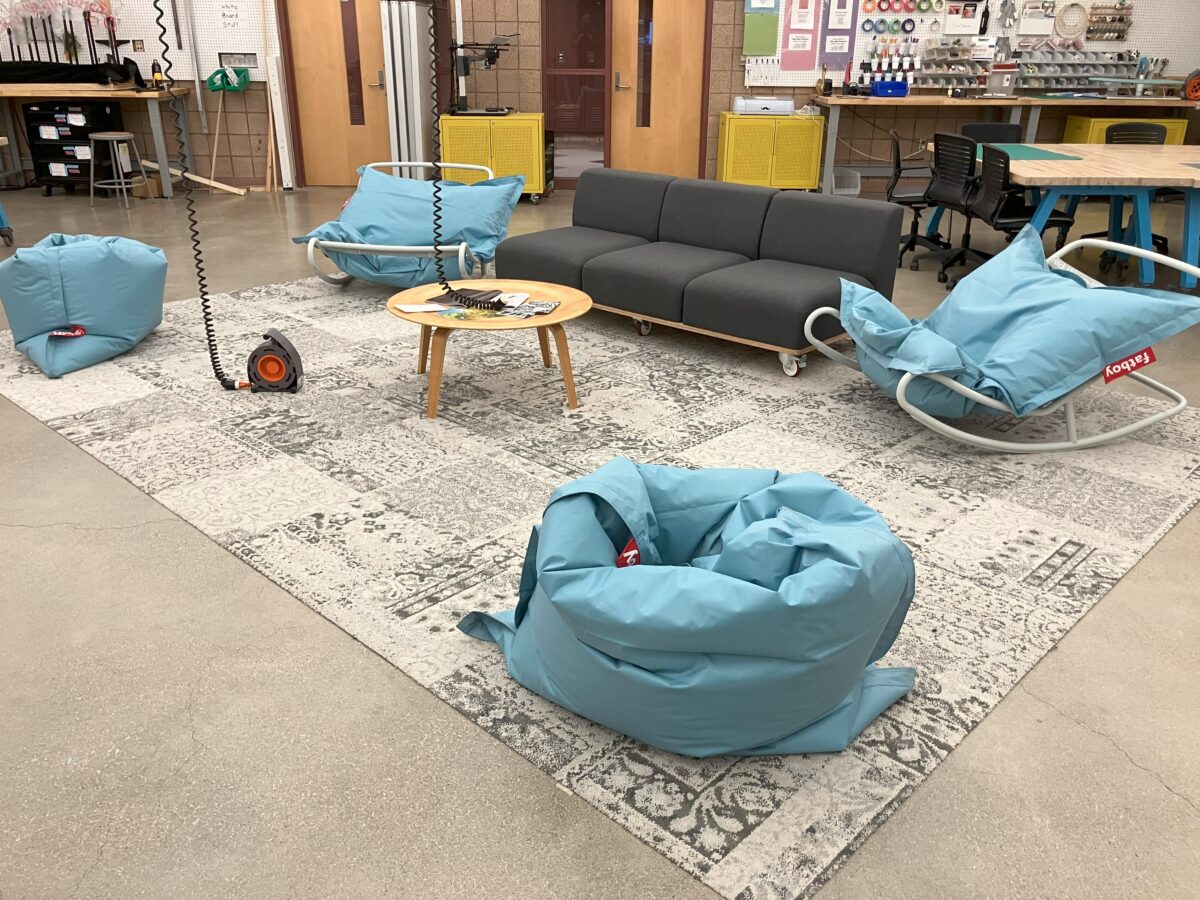
The Lounge
A space for small groups to convene, meet new friends or simply kick back and take a load off. You are always welcome, but please be respectful of others in the space.
Design Lab 1 hosts public workshops at least twice per month during Fall and Winter semesters. View the Current Schedule Doc, or request a workshop or future topic using the Workshop Request Form.
Design Lab Resources
Design Lab 1 features dedicated crafting corners with specialized tools like a cutting machine and embroidery machine, alongside multifunctional tools for general use. Biweekly workshops are offered to help users learn the basics and get started safely.
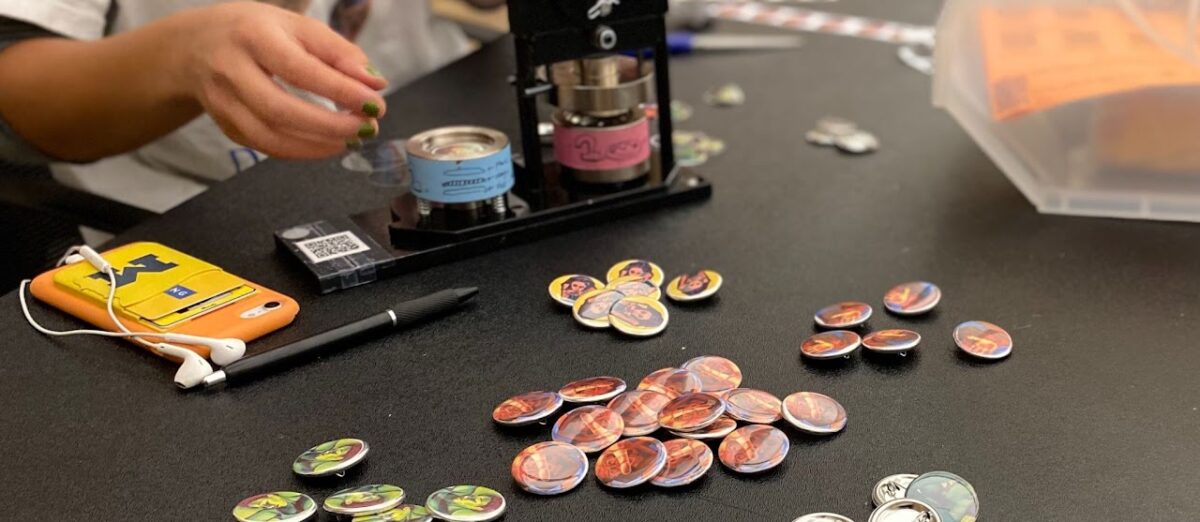
Button Making
By popular demand from our users, the Design Lab 1 features two button makers: one that makes 1.25″ buttons and one that makes 3″ buttons! Visit the Button Maker Page to learn more about this resource and/or ask the DC Fellow on site for assistance.
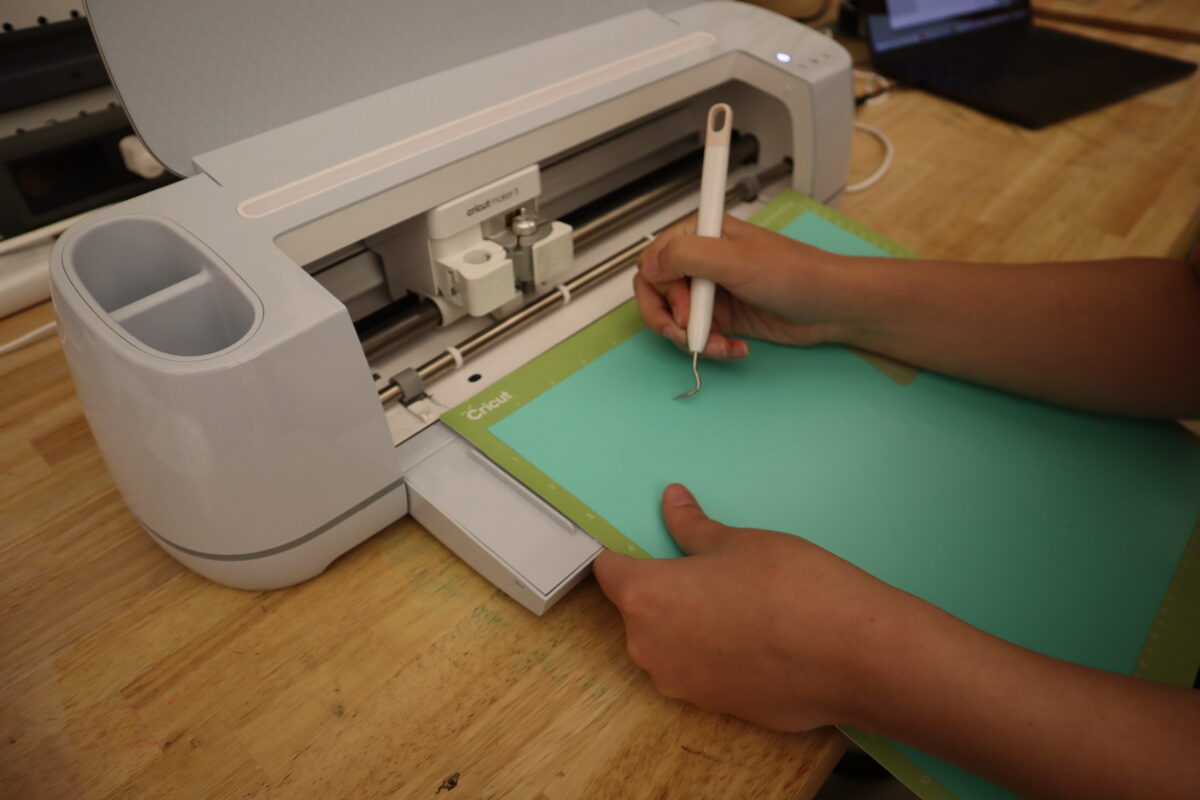
Cutting Machine
The Cricut Maker 3 cutting machine is a precise cutting tool for paper, fabrics, and other flat materials. Similar to printing a design onto paper, the Cricut’s sharp knife cuts a digital design into the material of your choice. Visit the Cricut Cutter Page to learn more about this resource or ask the DC Fellow on site for assistance.
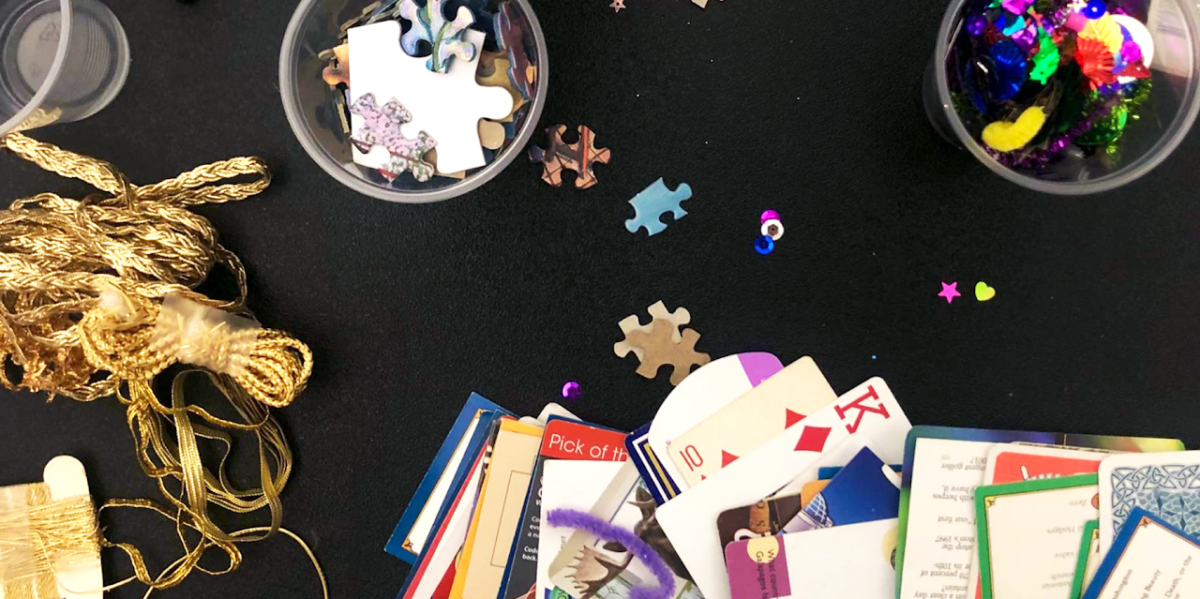
Paper Crafting
Our low-fi prototyping bench is stocked with a variety of basic making supplies to get you creating in just a few minutes. Visit the Paper Crafting Page to learn more about this resource or ask the DC Fellow on site for assistance.
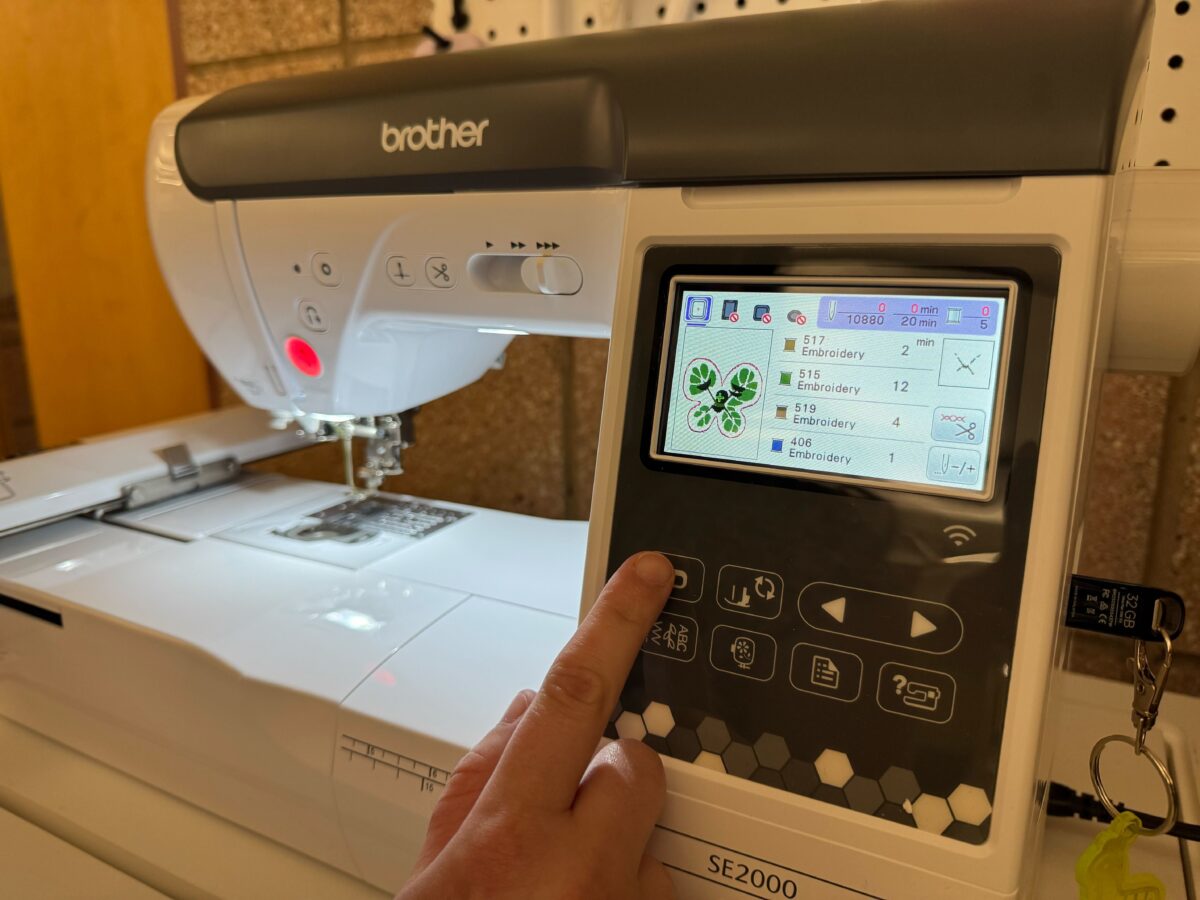
Embroidery Machines
Our Brother SE-2000 is a combination sewing and embroidery machine that can embroider surface areas of 1.5″ x 2″, 4″ x 4″, and 5″ x 7″. The SE-2000 comes with 193 pre-loaded designs and the ability to upload your own designs via its USB-A port or wi-fi via Brother-specific design programs such as Artspiria. For more information about the machine and what resources we provide, please visit the Embroidery Machine Page.
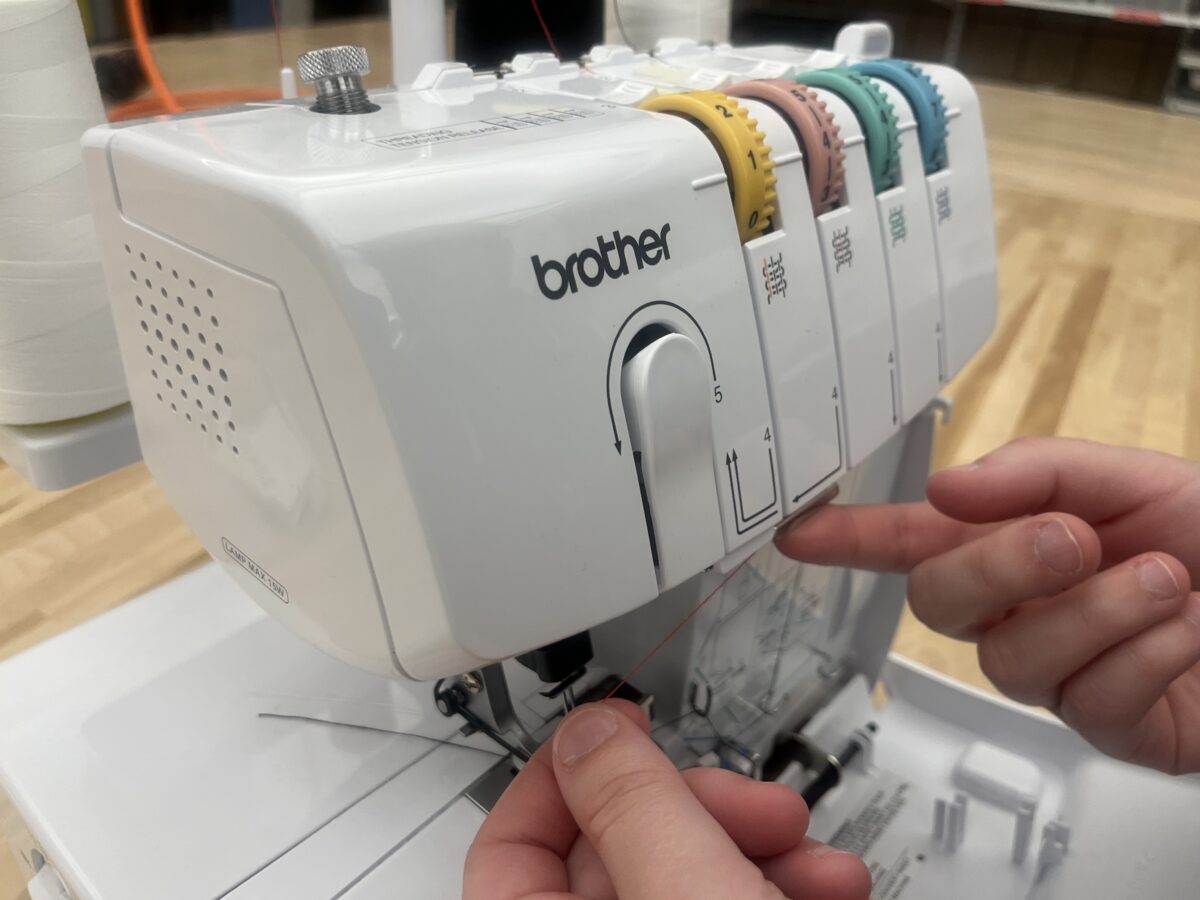
Serger Sewing Machine
The Brother Lock 1034D is a serger/overlocking sewing machine. This is not your typical sewing machine, it’s used mostly for finishing or securing raw edges, specifically for clothing items.
The Brother 1034D is available for reservations upon completion of our equipment training canvas course.
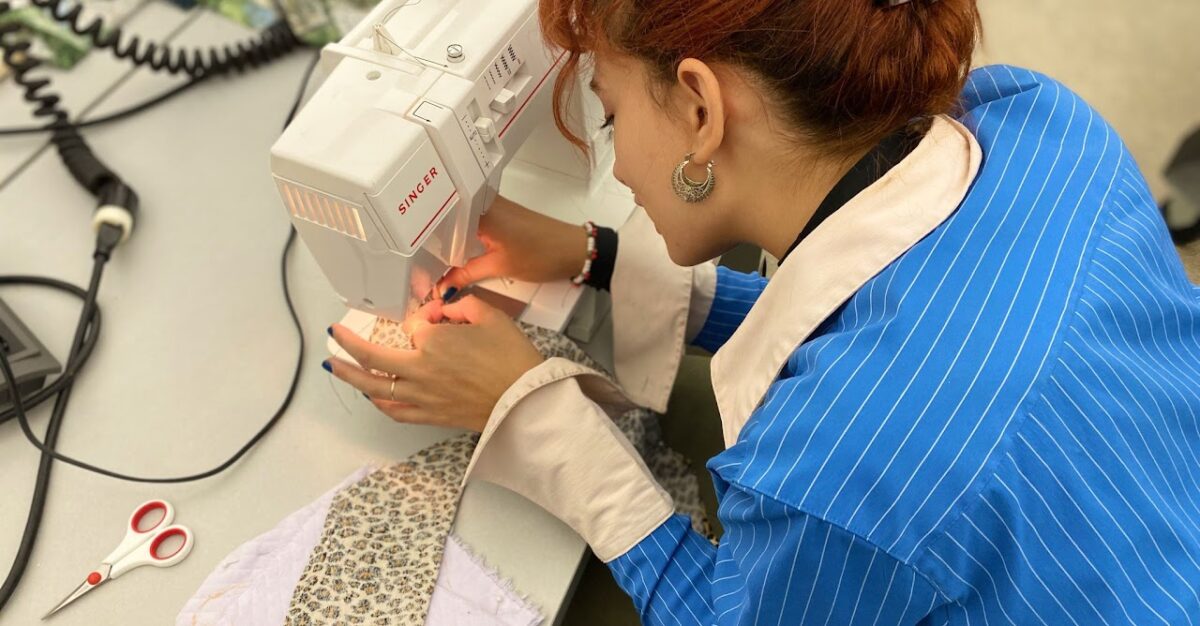
Sewing Machines
Design Lab 1 is equipped with 4 sewing machines. No experience is necessary, our staff can help you get set up and walk you through your project. Additionally, we have a collection of scrap fabric to get you started. To learn how to safely use the various sewing tools, please refer to the Sewing & Fibers Page or ask the DC Fellow on site for assistance.
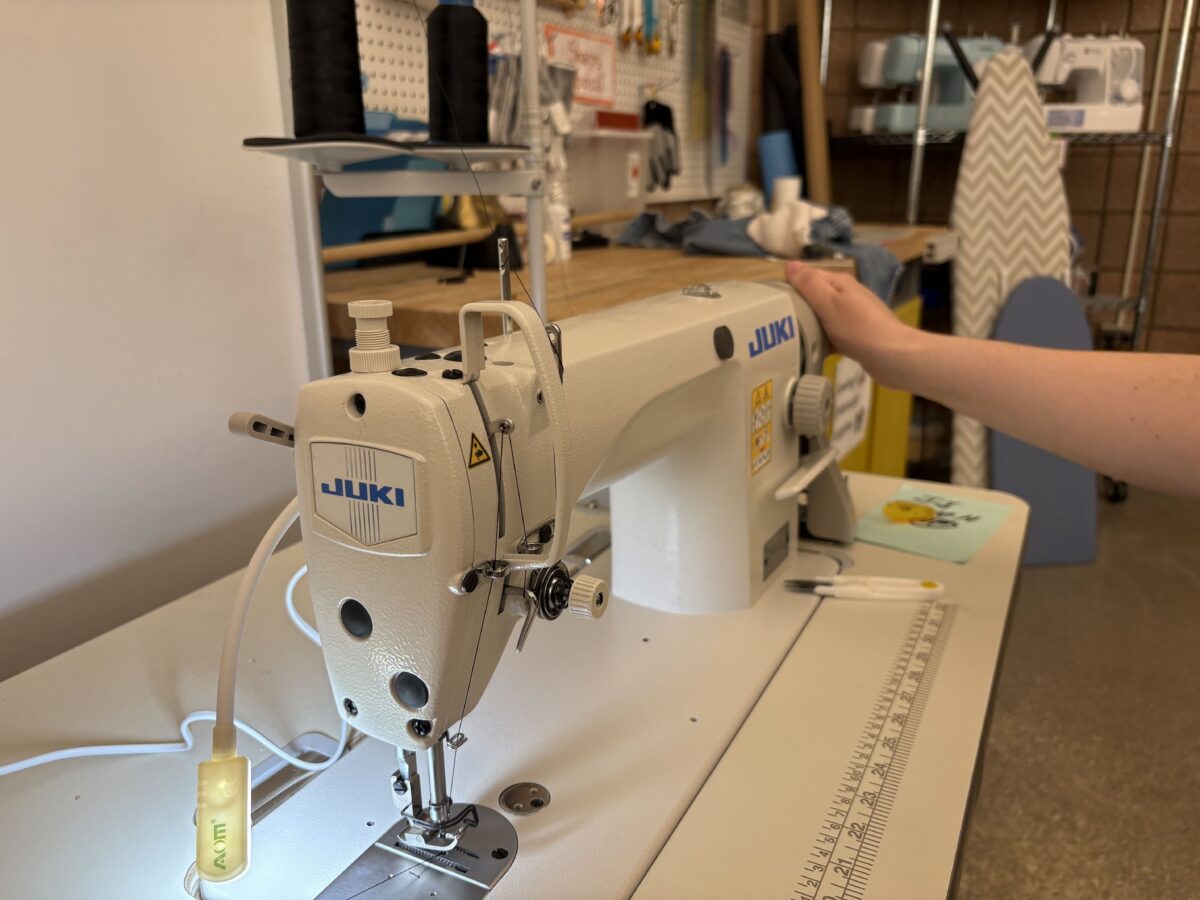
Industrial Sewing Machine
The Juki 8700-H is an industrial sewing machine built to sew specifically medium-weight to heavy-weight materials very simply and very quickly. There is only one stitch type, a straight stitch, unlike many domestic sewing machines. But what it lacks in variety of stitches it makes up for in power and speed!
The Juki 8700-H is available for reservations upon completion of our equipment training canvas course.
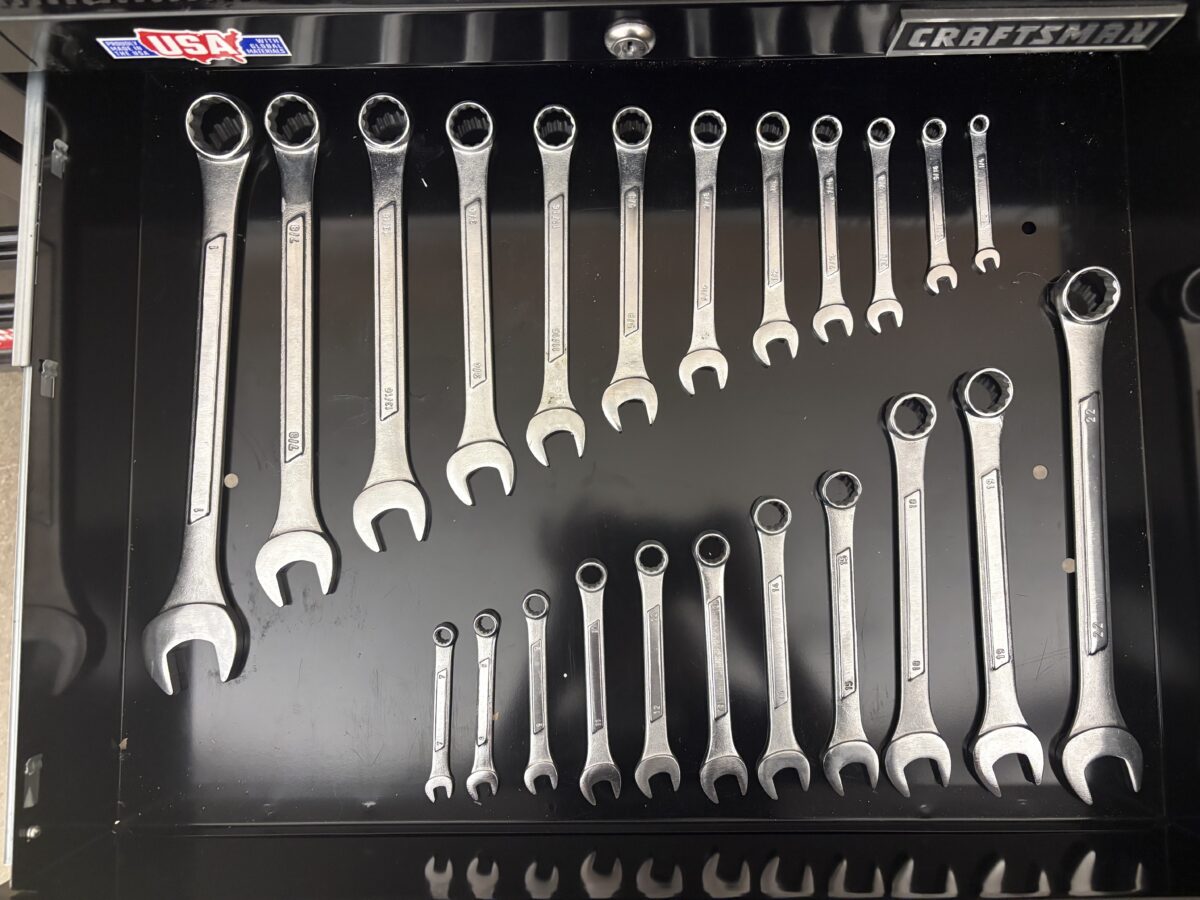
Tool Boxes
The tool boxes hold collections of hand tools intended for light work. To learn how to safely use the various tools, please refer to the Tool Guide Doc or ask the DC Fellow on site for assistance.
Safety & Access
Design Lab 1 is primarily open for walk-ins, with limited scheduled times for classes, projects, and student events. Expand the sections below for more details about using the space.
Design Lab 1 tools are safe when used properly, but all users should review lab policies and emergency guidance before using the space. Refer to the Design Lab 1 Policy and First Aid & Fire Fighting resources.
Design Lab 1 welcomes select classes, project teams, and student organizations. Reservations are not exclusive, and groups that require DL1 tools and resources receive scheduling priority. To request a reservation, email [email protected]
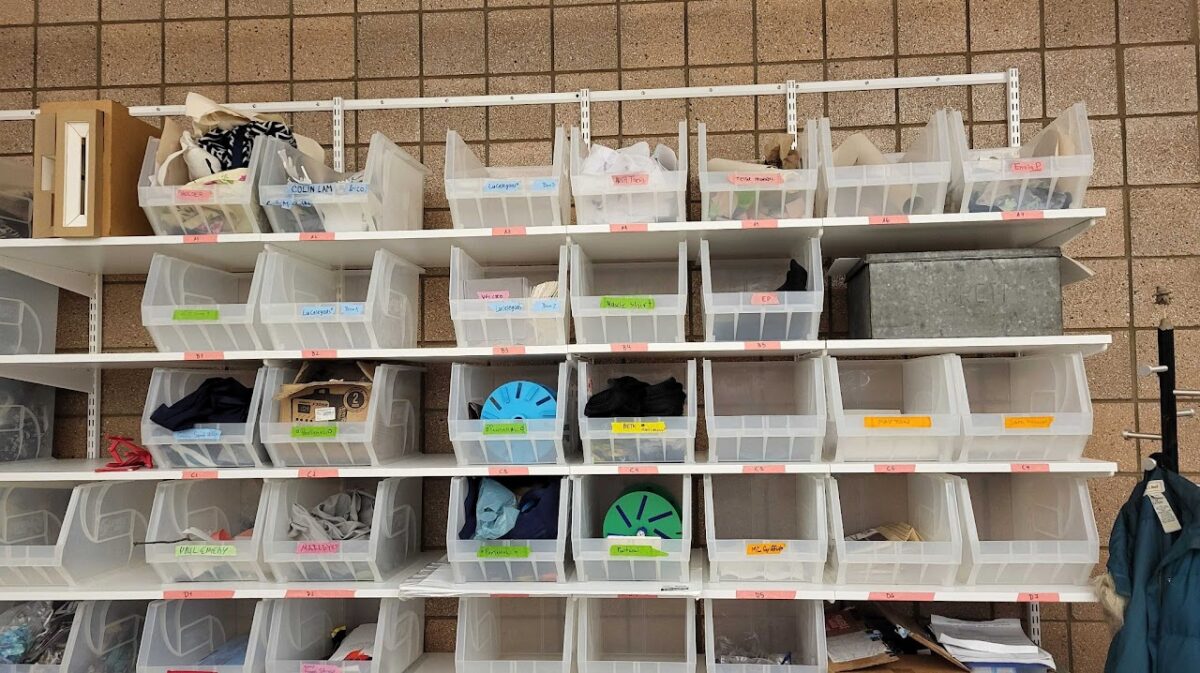
Storage Bins
Semester storage bins are available in the Crafting Corner for faculty, staff, and students (students/staff: 1 bin each; faculty: up to 4 bins for classes).
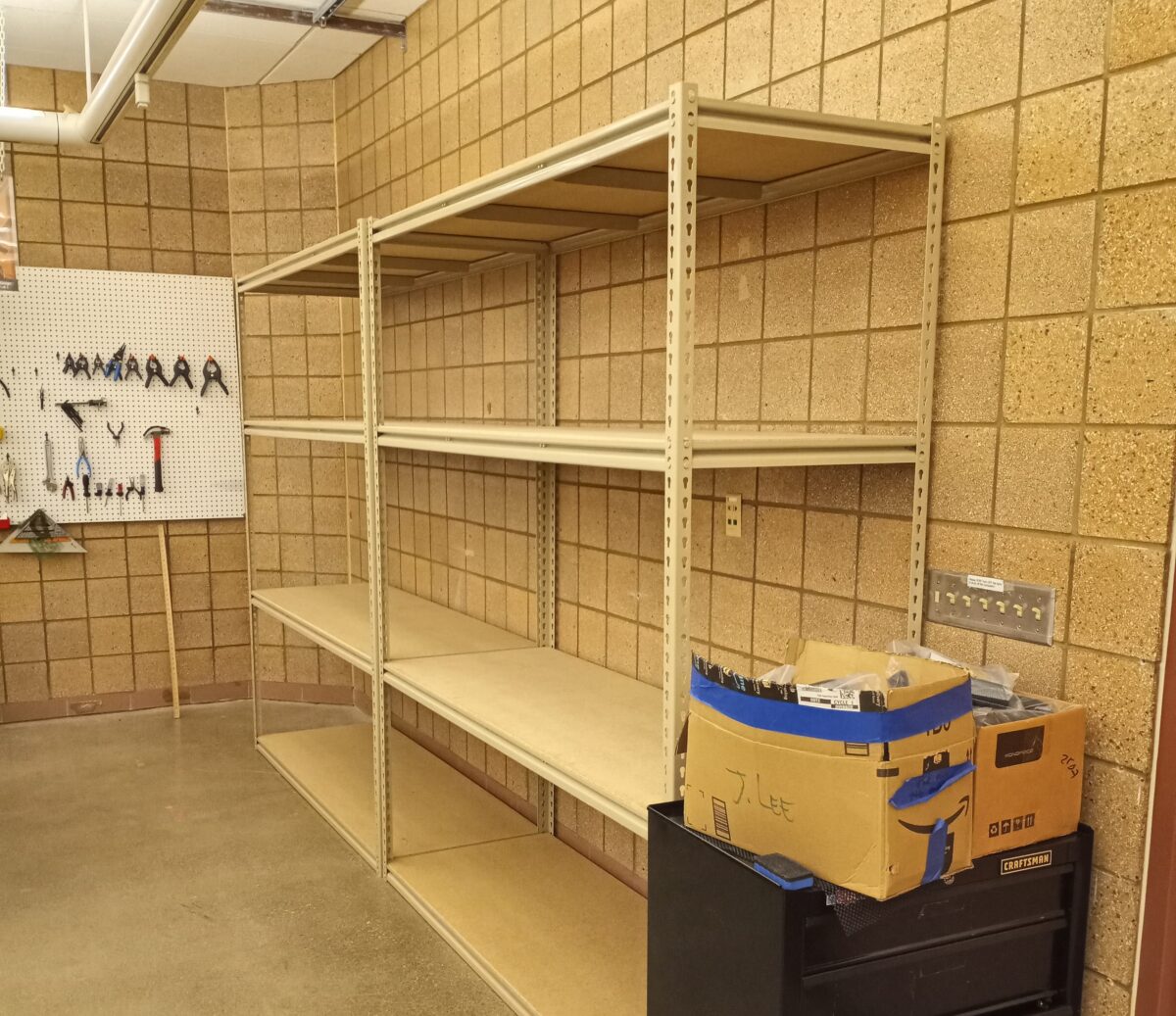
Storage Cube
Faculty may also reserve additional shelf/cube storage.
General Policies
What Our Collaborators Say
“Design Lab 1 was the ideal space to build a 25-foot-long dragon, providing the flexible workspace, tools, and storage…The supportive staff and opportunity to connect with creators across disciplines made it an unforgettable experience—and one of U-M’s best treasures.”
Carol StephanchukOutreach Coordinator, Lieberthal-Rogel Center for Chinese Studies
“The Design Lab 1 has so many resources, it has pretty much all the trinkets and tools you’d want. I use the sewing machine, as well as other sewing resources it has, to put together cosplay in my free time. The Design Lab 1 is also just a great spot to hang out!”
AnonymousStudent, University of Michigan
“The Design Lab 1 at the Duderstadt is my safe space on campus. I like to de-stress at the end of the week by crafting and making art, and DL1 provides the space and resources to do so. I’ve also made lots of friends from my informal “Design Lab Fridays” and learned new skills at DL1 that I didn’t have the opportunity to learn before, like sewing and button making!”
AileenStudent, University of Michigan
Staff
Marjorie Gaber
Manager, Design Labs Ground Connections