
Groundworks
Creative Hub for multimedia production, design tools, and instructional learning at the Duderstadt Center
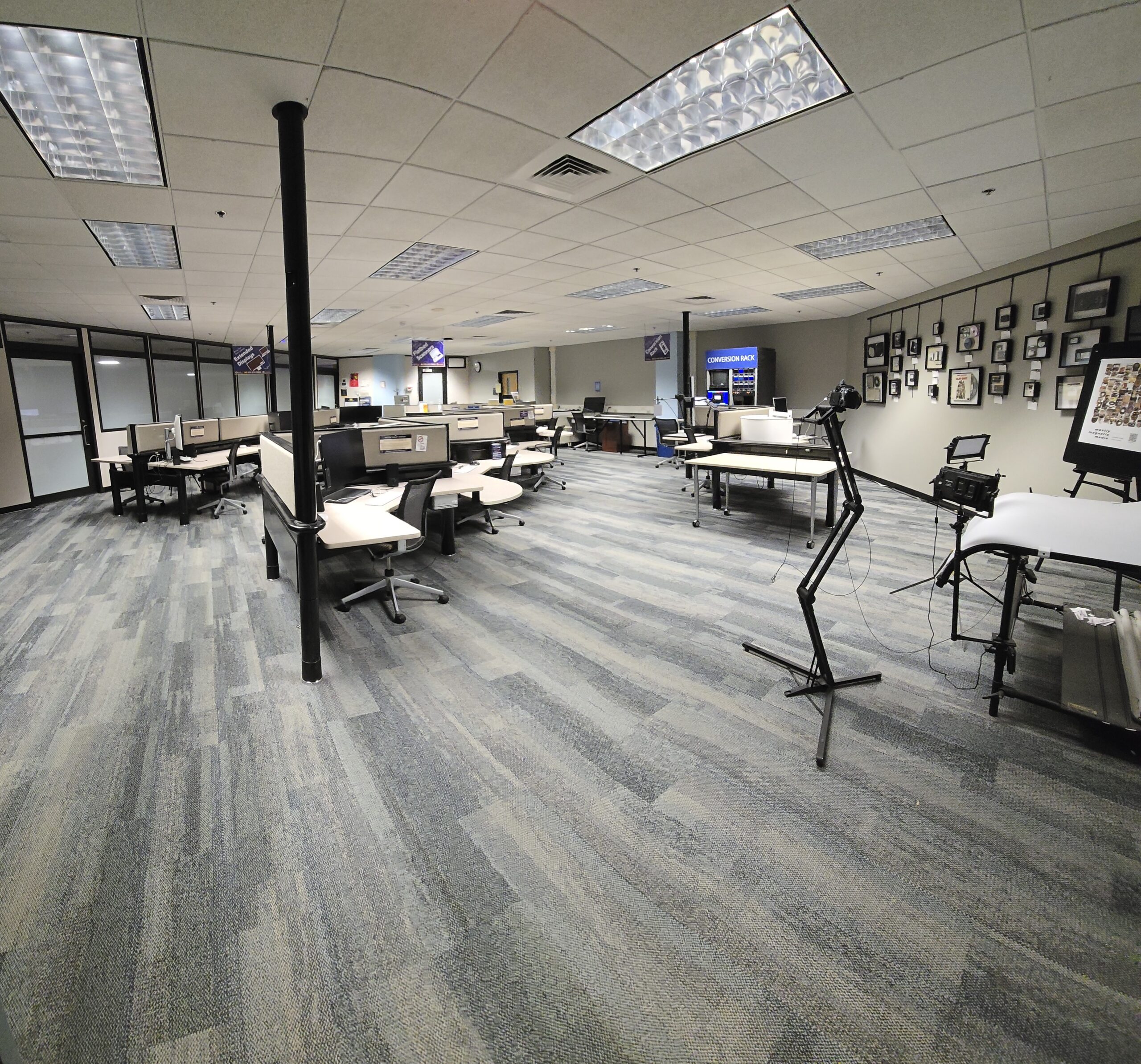
Welcome to Groundworks—a self-service creative hub where the U-M community can explore, create, and produce media with confidence. Equipped with powerful tools, specialized workstations, and flexible resources, Groundworks empowers you to bring your ideas to life at your own pace.
Walk-in Hours: 24/7
Staff Support: Mon–Fri, 9AM–6PM; Sun, 12PM–6PM (Unavailable Saturdays)
Location: 1315, Duderstadt Center
Contact: (734) 647-5739 | [email protected]
Technology Highlights

Media Spaces & Access
Groundworks offers media support across the Duderstadt Center, including the Groundworks Media Lab, Personal Studio, Multimedia Workrooms, and NCTC Equipment Checkout. We help patrons create, edit, and digitize content using the resources available in each space.
Ground Connections Fellows are knowledgeable staff who bring diverse skills to the Groundworks space. They are here to:
- Assist you with Fabrication resources
- Connect you to experts in other DMC spaces
- Provide project consultation
- Introduce you to others with shared interests
The “Help” button at the consulting desk in Groundworks will page our team during our staffed hours.
Whether you’re an aspiring filmmaker, podcaster, animator, or digital artist, our knowledgeable staff is here to support and guide you through every step of your creative journey. Join us and transform your media ideas into captivating realities!
Common project types: slide & film negative scanning, digital design, photography, animation, analog media digitization.
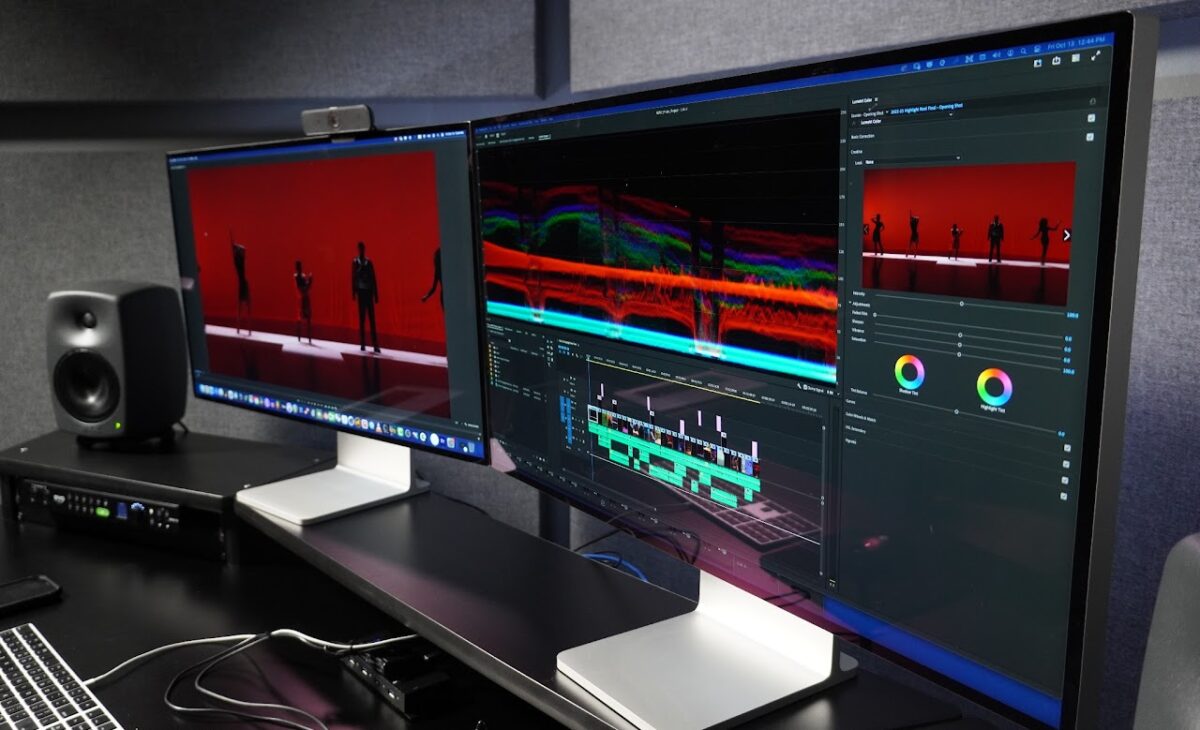
Private reservable content creation suites with acoustic treatments, MIDI keyboards, and powerful computers for high end post production. The Multimedia Rooms have the same software image and plugins as the Audio Studios in the Duderstadt Center.
Who it’s for: U-M students, faculty, and staff
Common project types: Video editing, video composition, color correction, audio mixing and composition, graphic design, and podcasting.
Steps to get access
- Complete the Multimedia Room – Virtual Orientation in Canvas.
- Wait 24 hours for your account to be processed.
- Reserve the space.
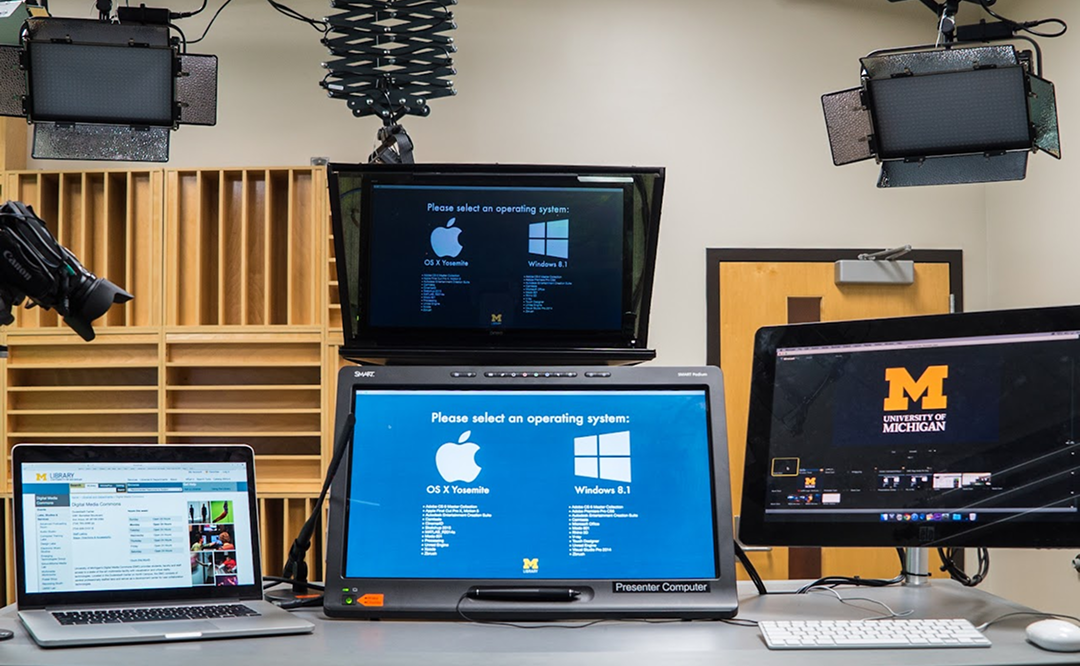
This video production space can be run by a single person and can comfortably host 4 people. It has a teleprompter, cameras, lights, and microphones ready to go upon entering the space.
Who it’s for: U-M students, faculty, and staff
Common project types: Instructional video, acting reels, interviews, & live-streaming.
Steps to get access
- Complete the Personal Studio – Virtual Orientation in Canvas.
- Wait 24 hours for your account to be processed.
- Reserve the space.
Note: You can also request an optional in-person studio overview after completing the virtual orientation. While not required, it’s a great way to get familiar with the room layout and key controls. To schedule an overview or ask questions, email [email protected].
The North Campus Technology Checkout (NCTC) service provides laptops, tablets, cameras, video and audio recording kits, XR devices, and more, that can be reserved by faculty, students, and staff.
For more details, visit NCTC Checkout page.
Media Resources Available
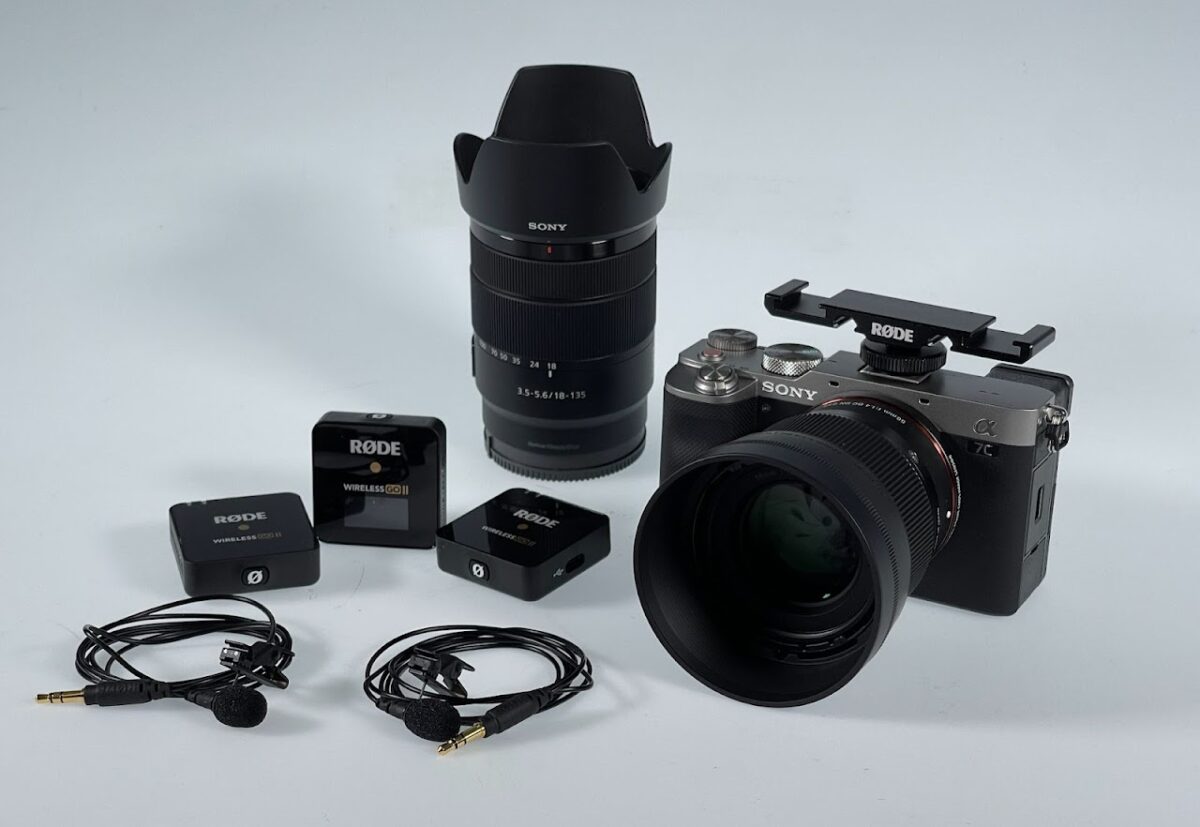
Checkout Camera Kits
Sony a7C kit (includes a variety of lenses, batteries and accessories)
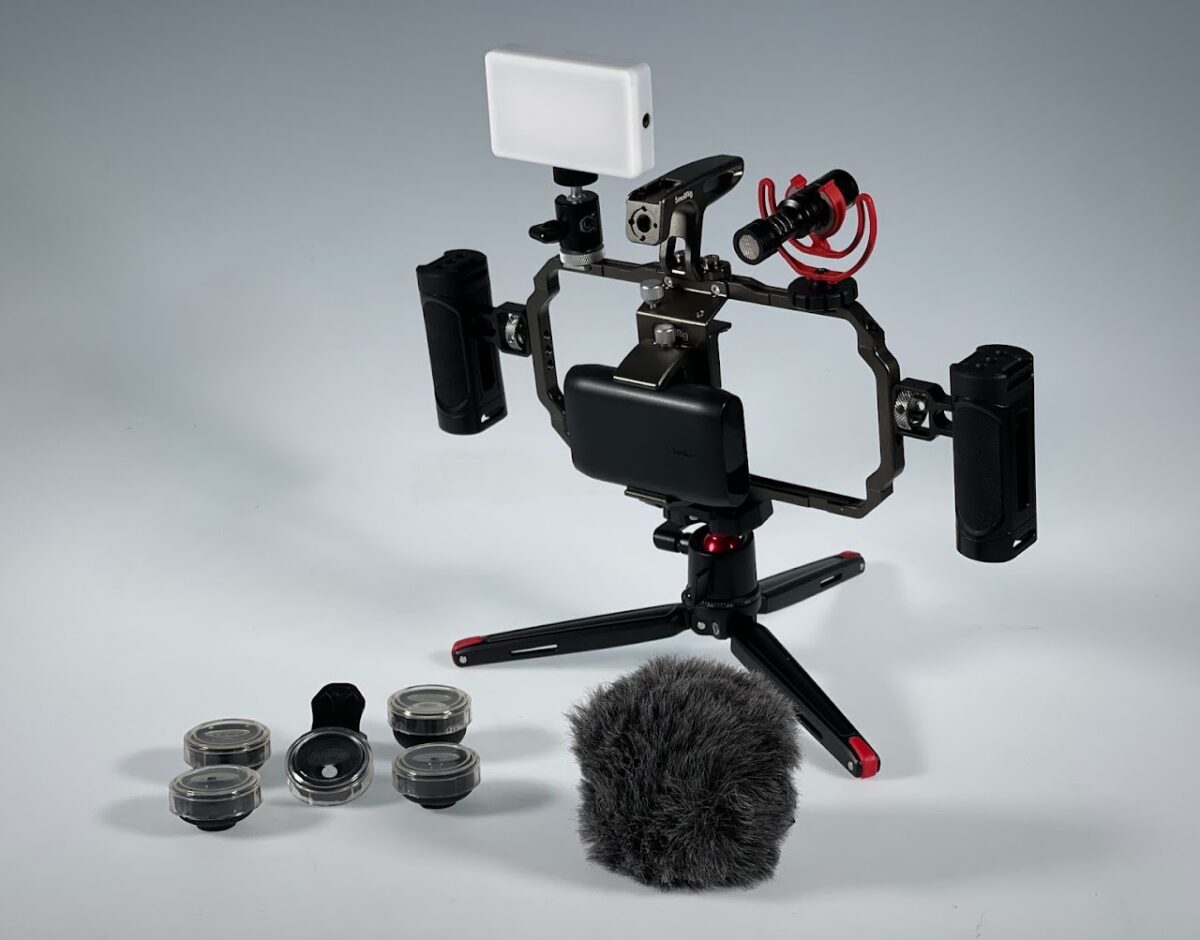
Mobile Phone Kit
Mobile phone kits (includes holding frame, a lights, mini tripod, and microphone) allow for easier video or photography production with your mobile device.
Audio Checkout Kits
Located within Groundworks, the NCTC serves as LSA’s technology checkout hub for North Campus. Audio recording kits are just one of the many media resources available for checkout.
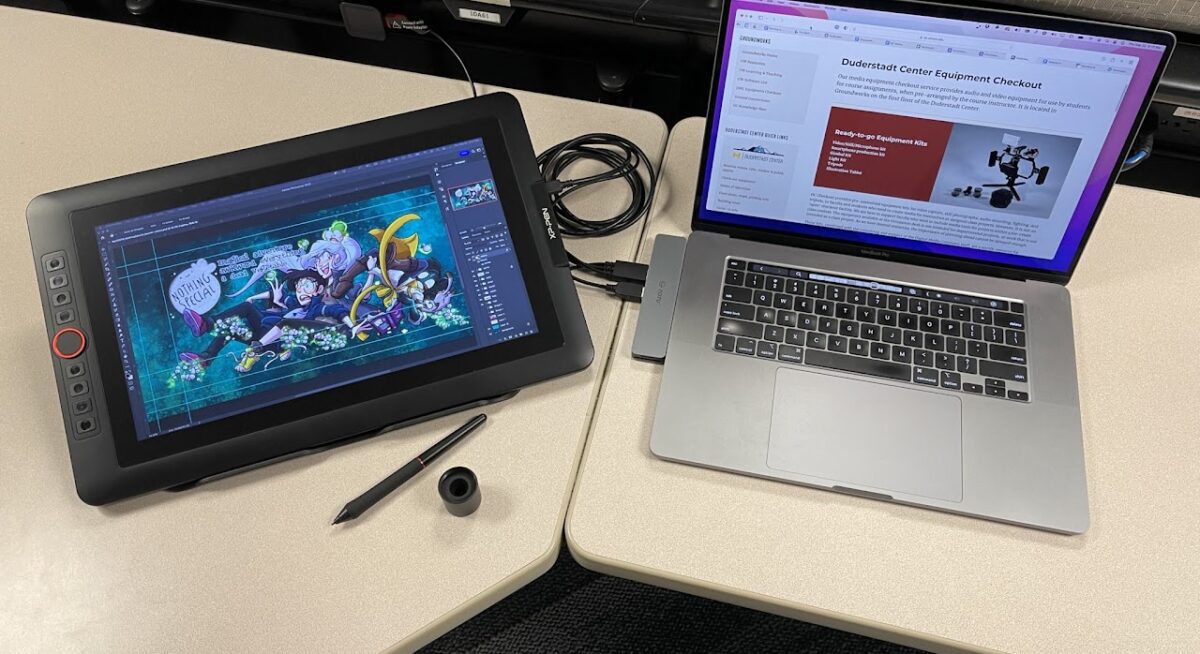
XP-Pen Drawing Tablet
A drawing tablet you can take home with you for your creative work.
Groundworks Resources
Explore Groundworks’ production and visual resources for creating, capturing, and editing digital media. From video, photography, and animation to graphic design and post-production, these tools below support every stage of the creative process.
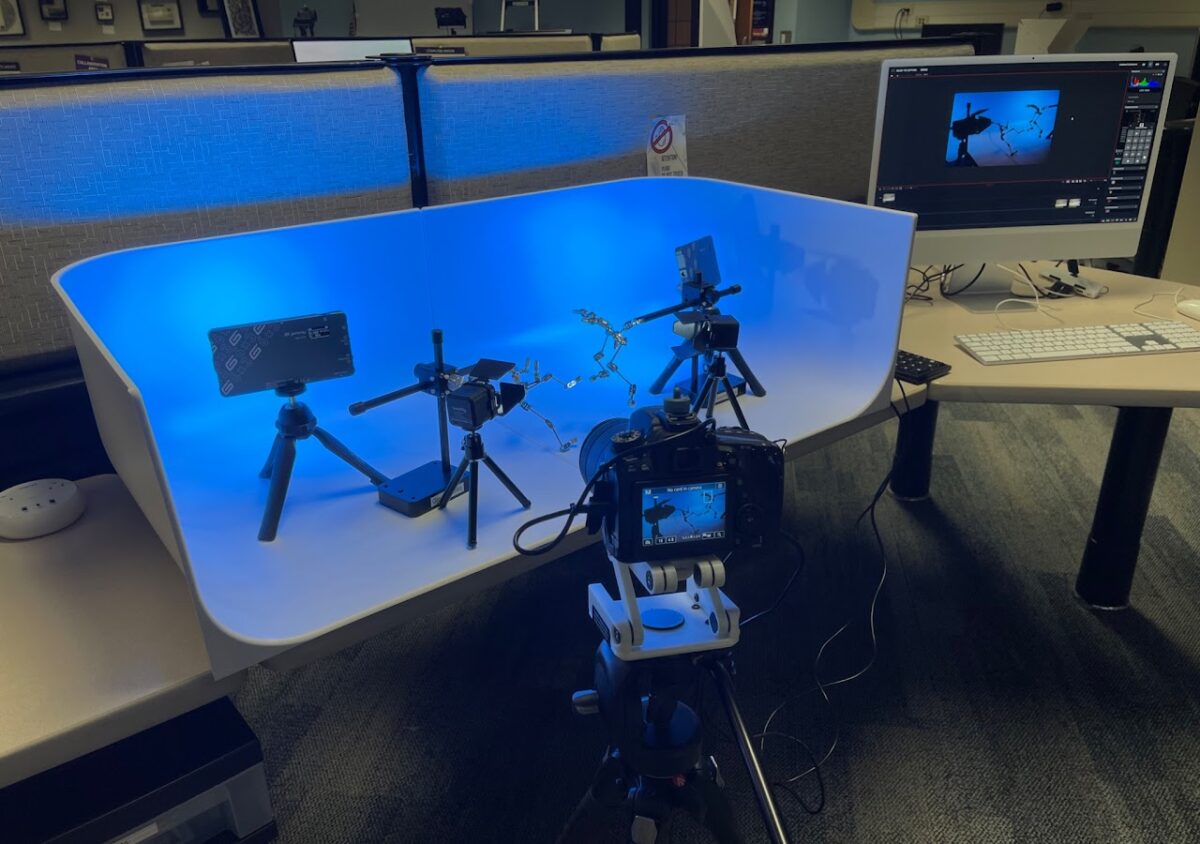
This stop-motion setup is intended as a prototyping space, to help get animators up and running with an idea and hash out what they will need to achieve in order to complete their project. The station includes a Canon camera and Dragonframe animation software.
Common projects types: 3D stop motion animation
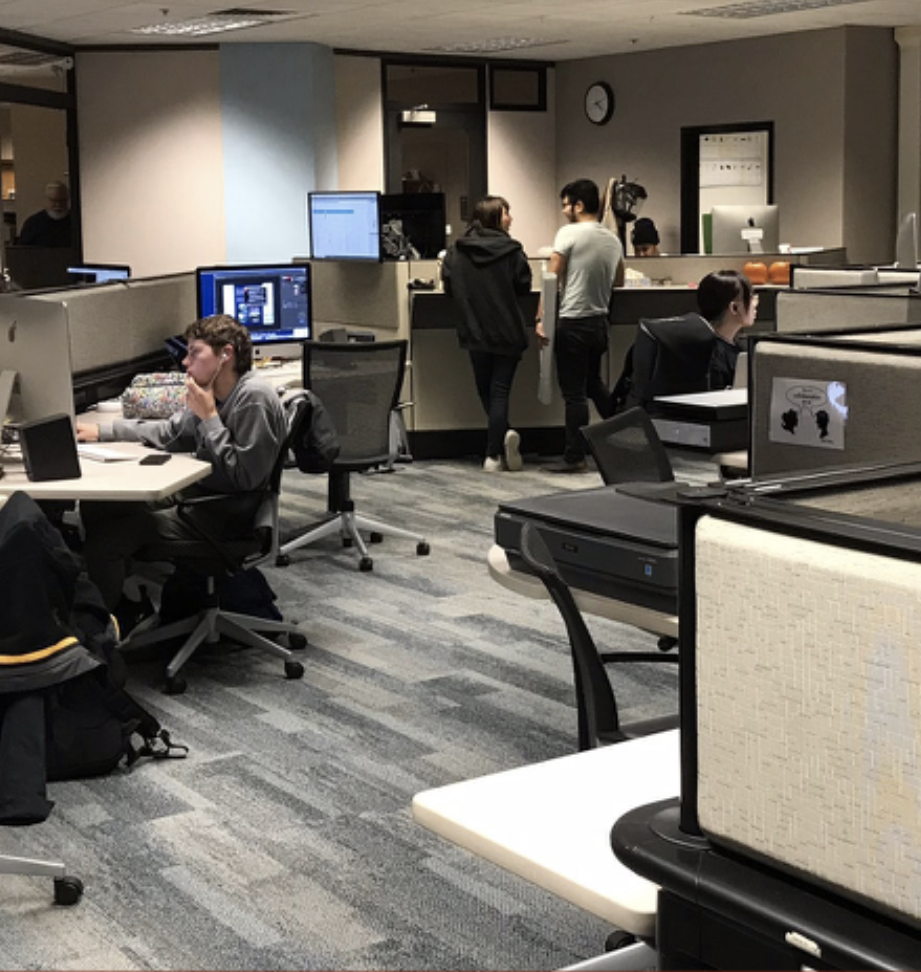
Mac Studio Computers
Groundworks is the north campus Macintosh lab. It has multiple Mac Studio computers that are very powerful workstations. Though the resources are connected to individual hardware pieces, if you just need a nice Mac to work on, you are welcome!
Please Note: connected hardware has priority over computer use. Please be a good neighbor and move if someone needs to use the hardware connected to the computer.
Commonly used apps: Camtasia, Adobe Creative Cloud Suite, Final Cut Pro, Affinity, Garageband, Dragonframe, XCode. View the complete software list.
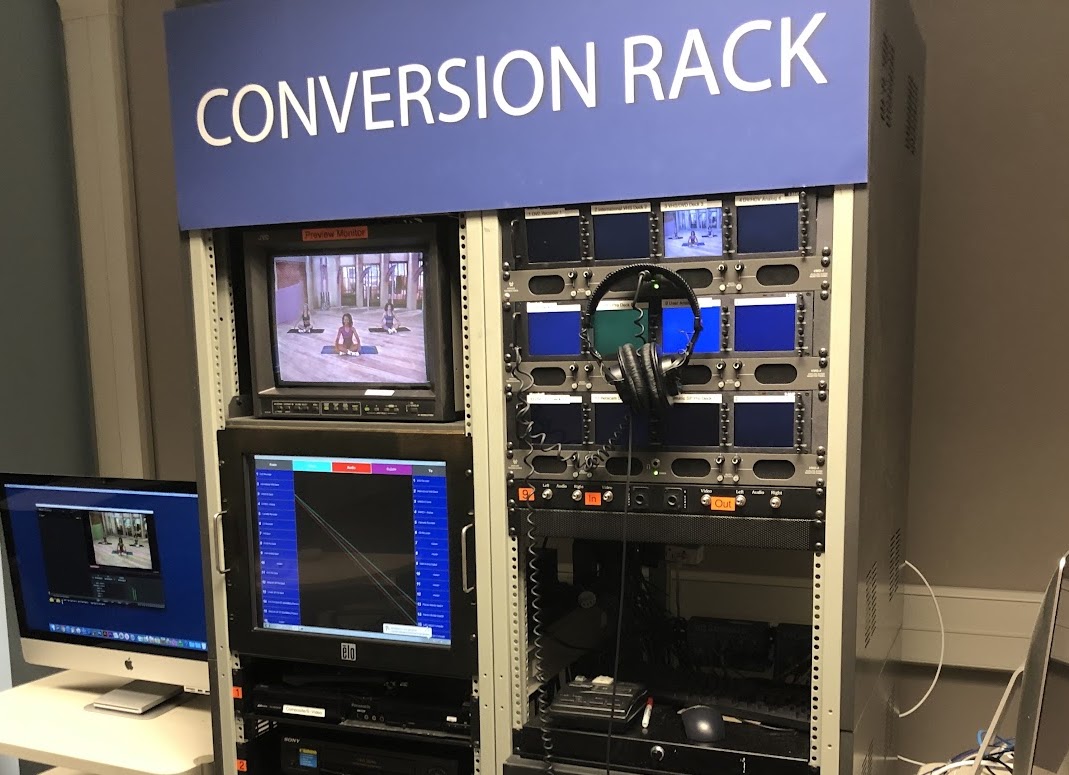
The media conversion rack allows you to convert your older analog video and audio tapes into a viewable digital file on a computer. It also contains a DVD burner for quick tape to DVD conversion.
Supported formats (NTSC): VHS, Audio cassette tape, CD, DVD, BetaCam SP, MiniDV/HDV, Vinyl records, laserdisc, and an “AUX” composite video for connecting additional devices.
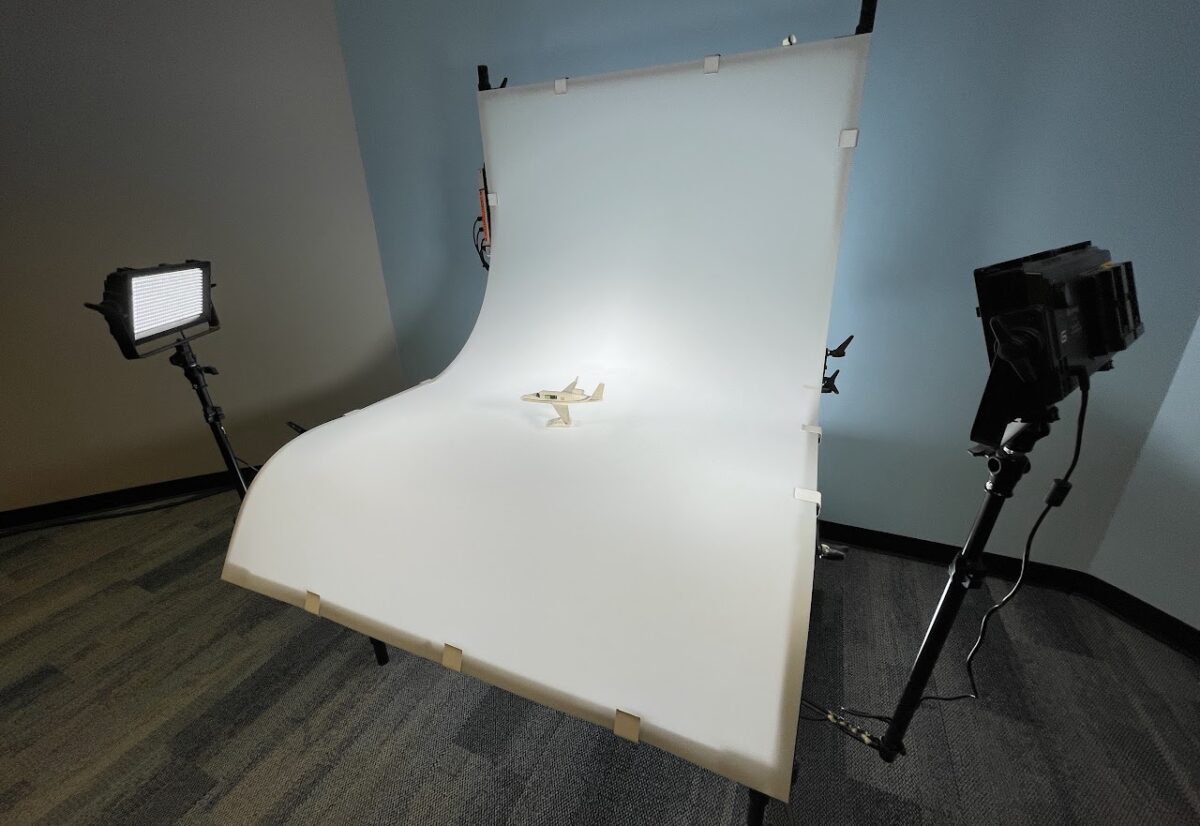
The photo table is an ideal spot to document your creation. Perfect for architectural structures or sculpted art. The photo table provides a camera, tripod and lights to make photography as easy as possible.
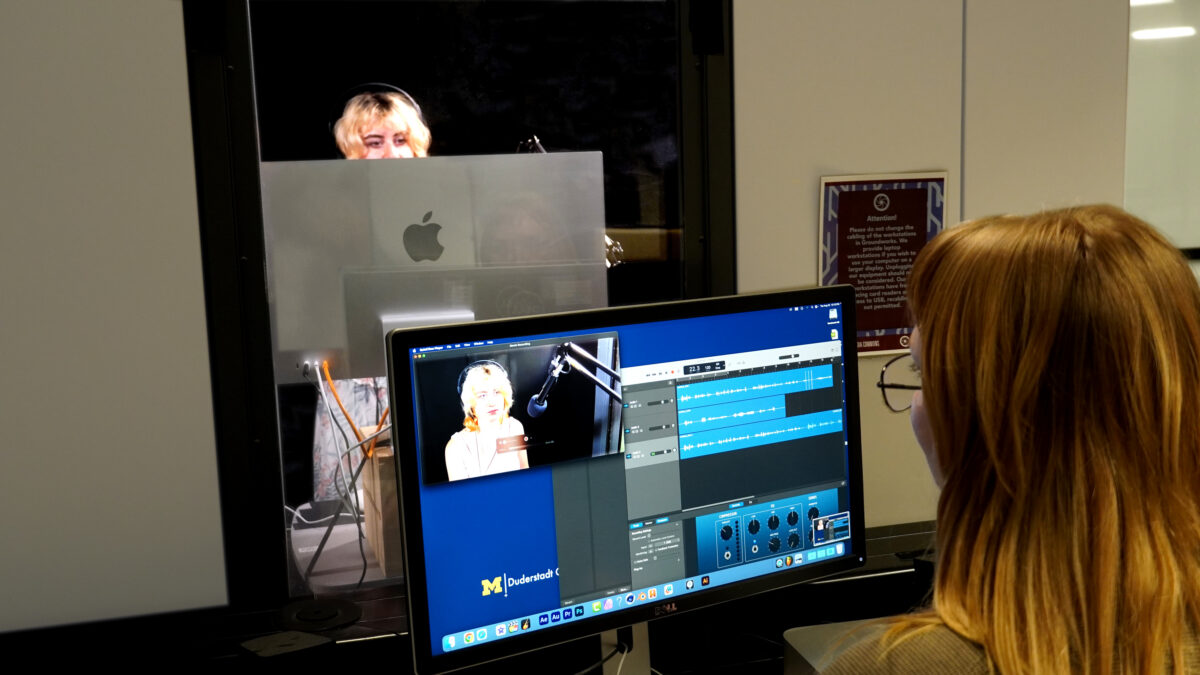
The Recording Booth in Groundworks is one of the best places on campus to record yourself. This sound isolation booth is equipped with a camera, microphone, and the ability to capture the desktop of the computer. The Recording Booth is a terrific place to create a presentation, narrate a voiceover for your movie, and record your music.
Steps to get access
- Complete the “Multimedia Rooms – Virtual Orientation” in Canvas
- 24/7 reservation access to the room is granted 24 hours after submitting the documentation at the end of the course C
Common project types: Vocal recording, narration, podcasting, instructional videos, audiobooks
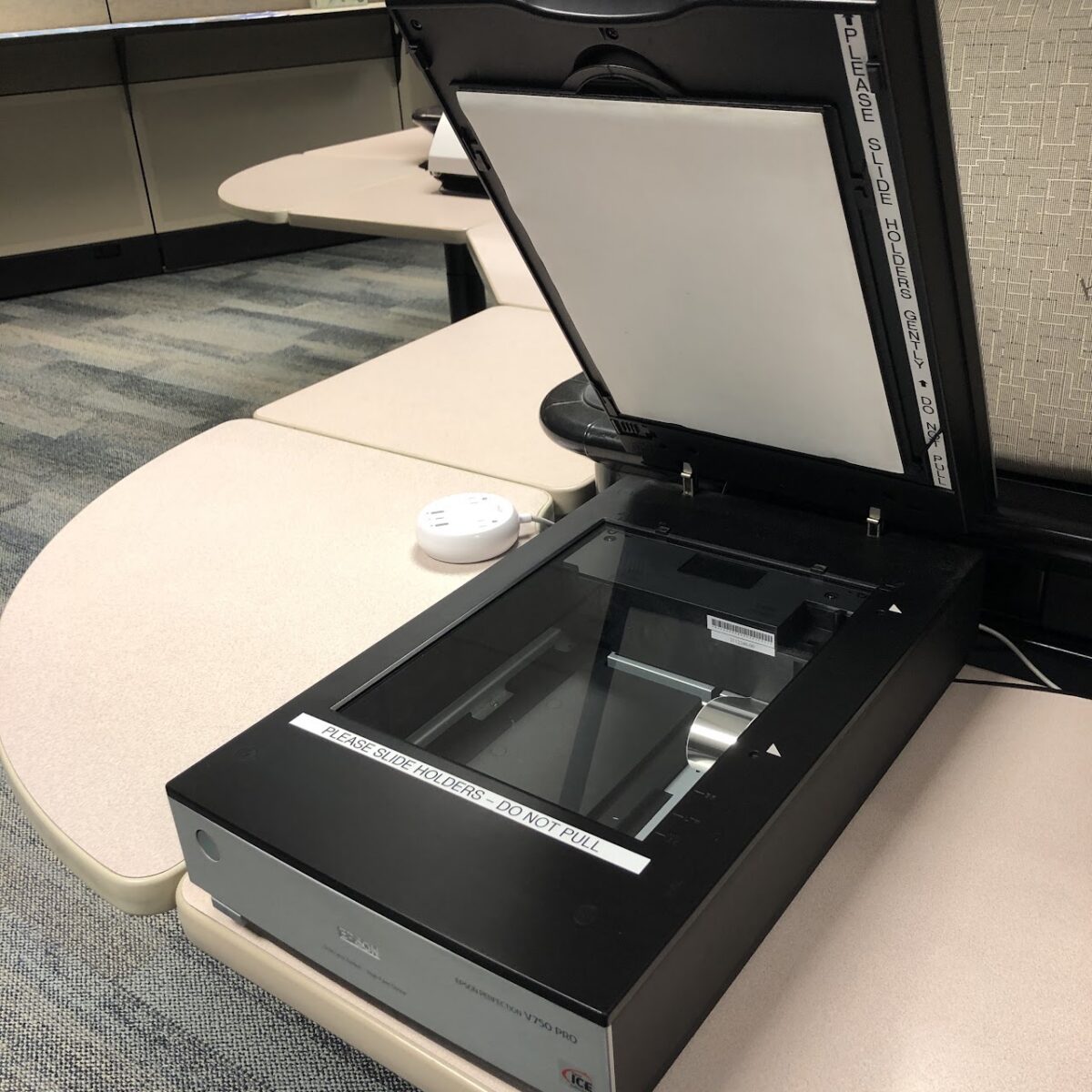
Epson Slide & Film Negative Scanners
The Epson Perfection Pro series (slide and negative scanners) can scan documents, 35mm slides, and film negatives. To assist in slide scanning, a scanner tray may be requested from the Groundworks help desk and returned by the end of staffed hours (Consultant staff hours should be considered when planning to scan slides).
Common scanning types: Slides, film negatives, photos and documents
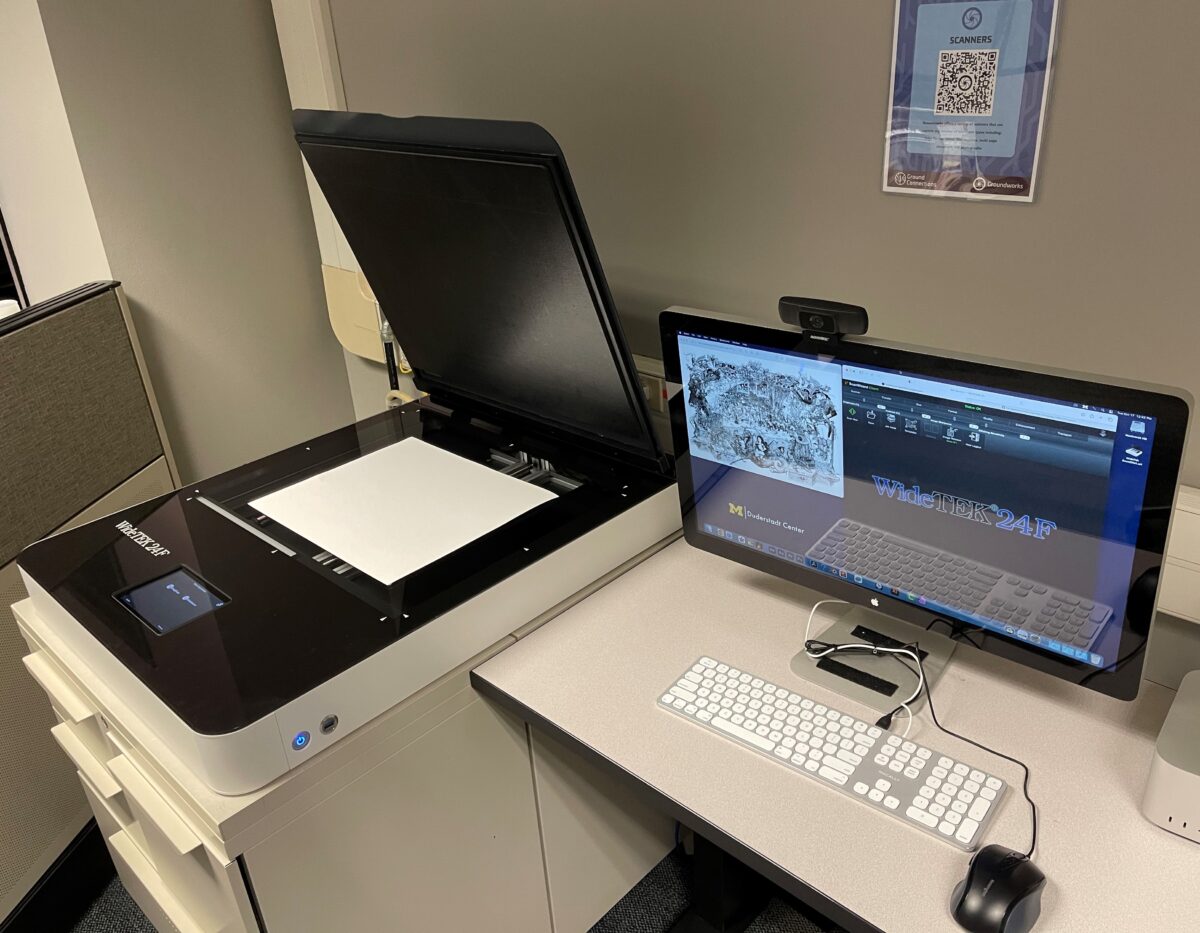
WideTek 18”x24” Flatbed Scanner
The Widetek Scanner is an 18 x 24 inch flatbed scanner that is housed in Groundworks. It is the largest flatbed scanner on campus.
Common scanning types: Art, blueprints, architectural drawings
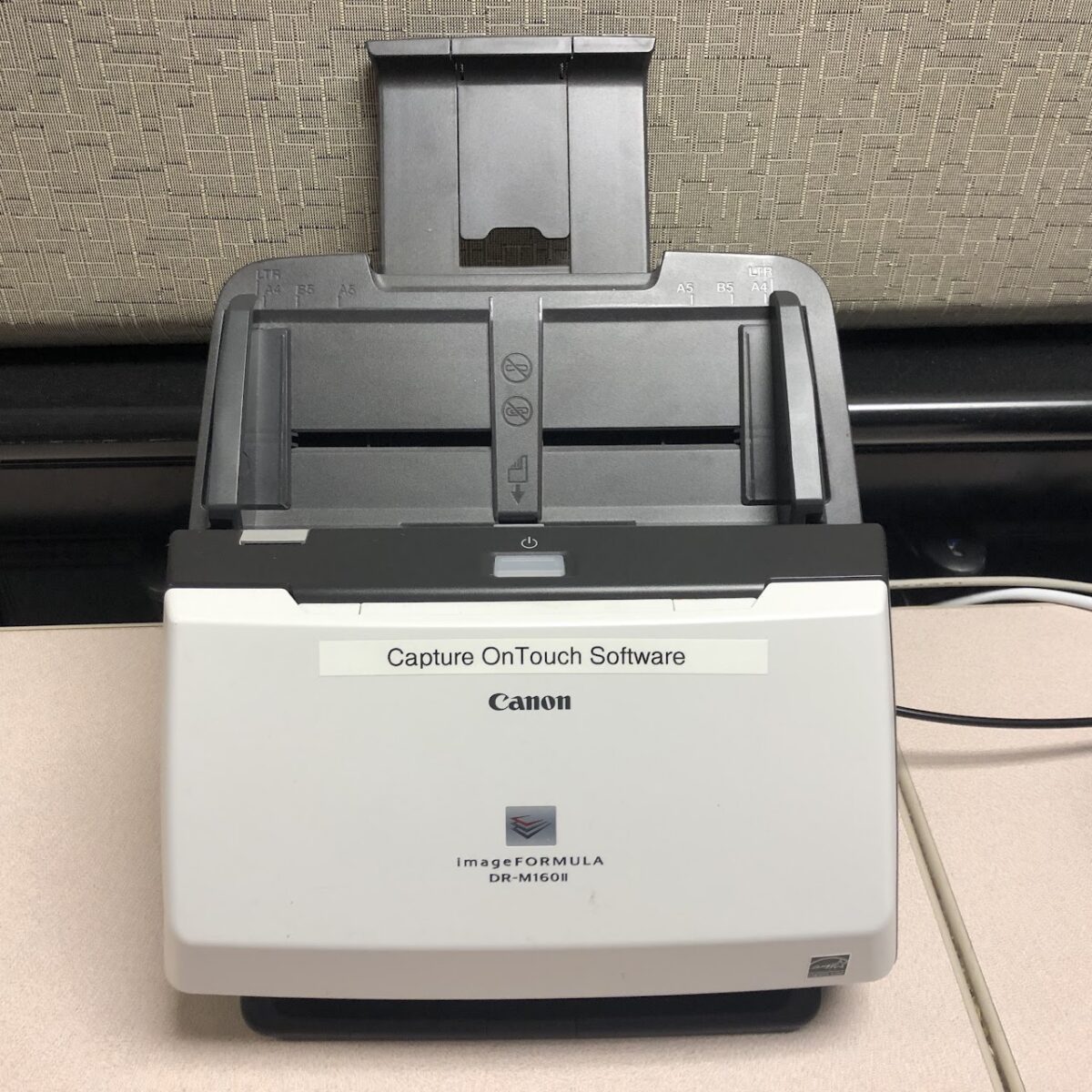
Canon ImageFormula Photo Scanner
The canon scanner works well for batches of documents. It can scan multiple documents and place them into a single PDF.
Common scanning types: Binders of documents, batches of photos
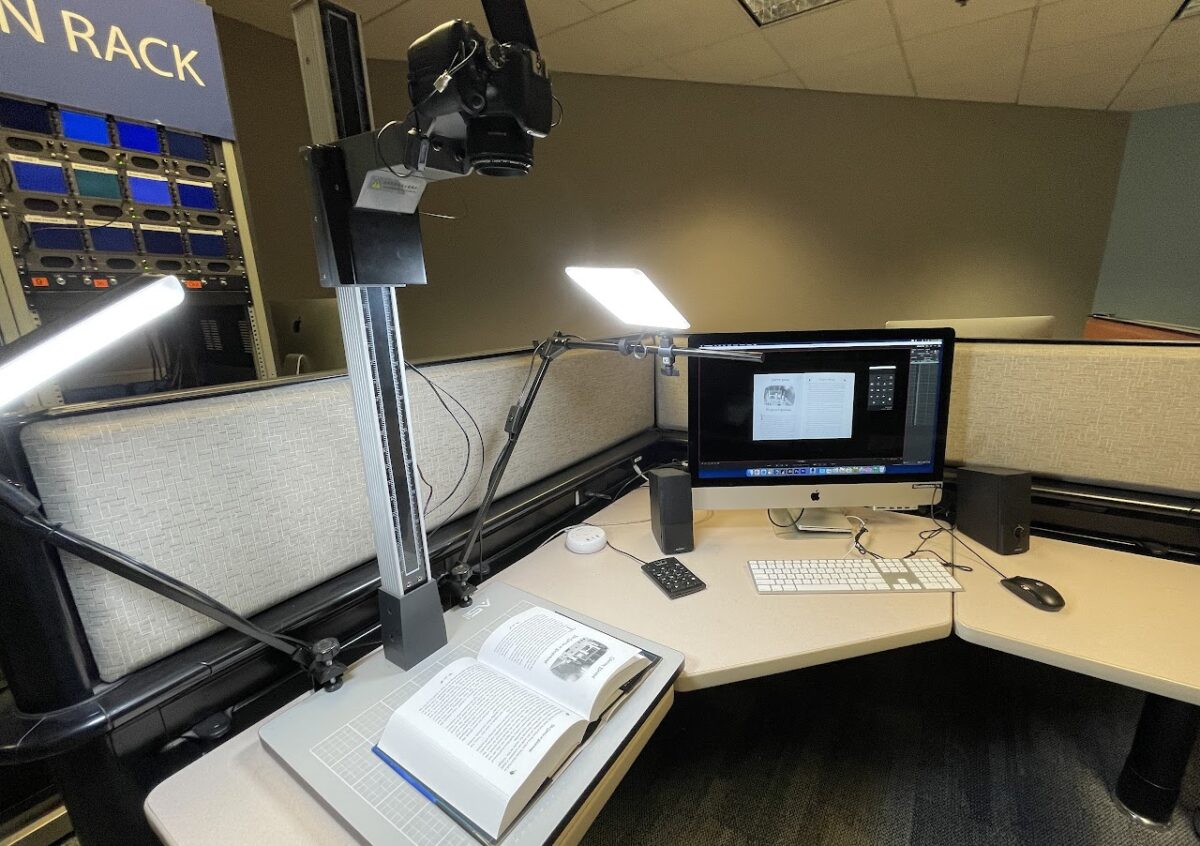
Copy Stand
Great for scanning books or items you cannot place on a flat bed scanner. Our Copy Stand is terrific for 2D stop motion (think “South Park”), or for digitizing something that won’t work in the variety of scanners in Groundworks (e.g. book scanning).
Common scanning types: Book scanning, 2D stop motion animation
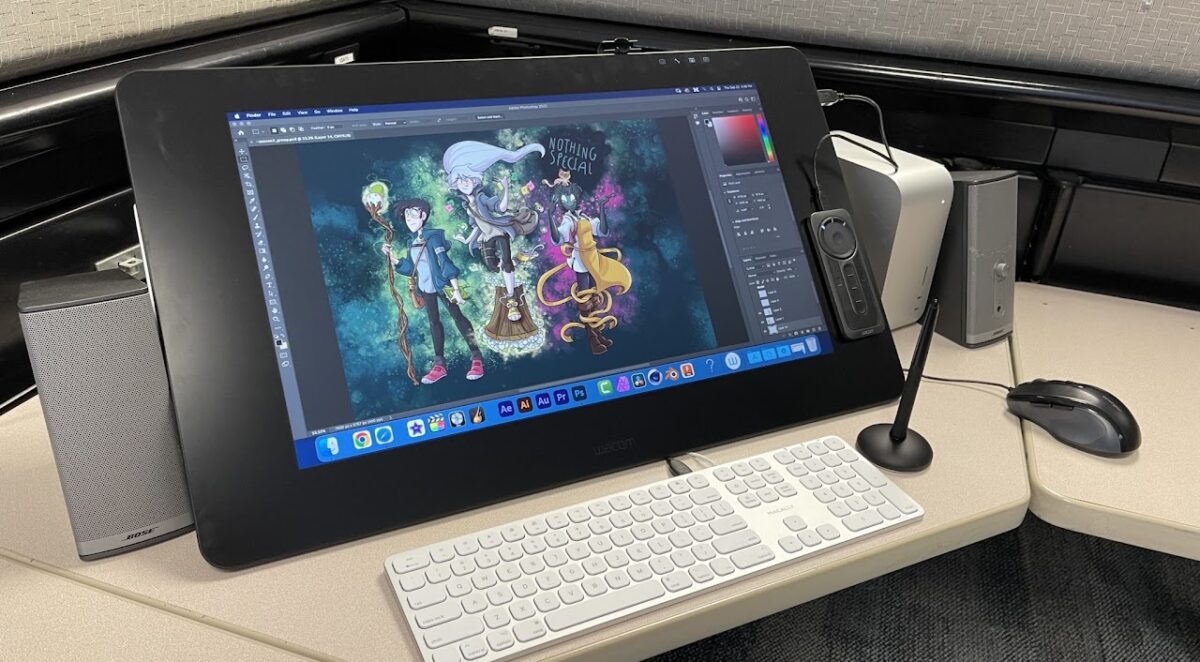
These industry standard drawing tablets are amazing to work with. With a stylus that has 8200 points of pressure, it’s the closest you will get to a brush on canvas (with an “undo” button).
Common project types: Digital illustration, graphic design, video compositing.
General Policies
What Our Collaborators Say
“In my nearly forty years of teaching and making media I’ve worked with a wide range of media formats. My current creative work often requires me to digitize legacy and archival media. I’m grateful for the facilities at the Groundworks Media Lab and for the expertise and assistance provided by Ryan Wilcox. Both have been critical to my on-going media production work.”
Terri SarrisMedia Artist and Senior Lecturer, College of LSA
“I am a superfan of the Duderstadt Center. I love scheduling tours and watching my students walk around with a sense of total awe on their faces. The media conversion rack is one of my favorite places in the world. It amazes me how few people know about this place. What a gem.“
Aisha Sabatini SloanAssistant Professor of Creative Writing, College of LSA
“Groundworks provides access to a unique set of technologies that I have not seen available anywhere else on campus. Most importantly, the knowledgeable and supportive staff help students and faculty expand their imagination of how these resources can support their goals.”
Thomas M. Drake Jr., PhDLecturer, Educational Studies Program
Staff
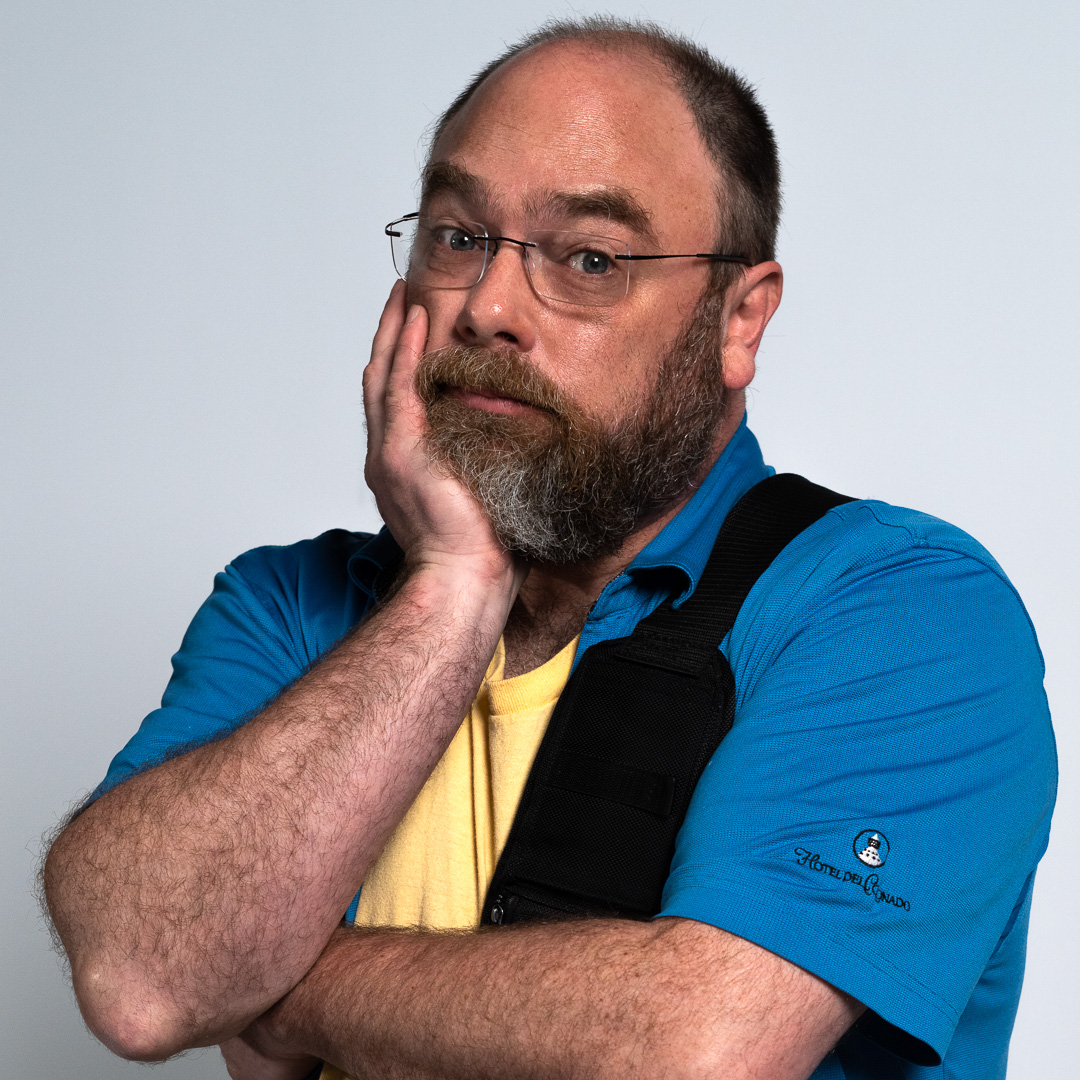
Ryan N. Wilcox
Manager, Groundworks/ Ground Connections