
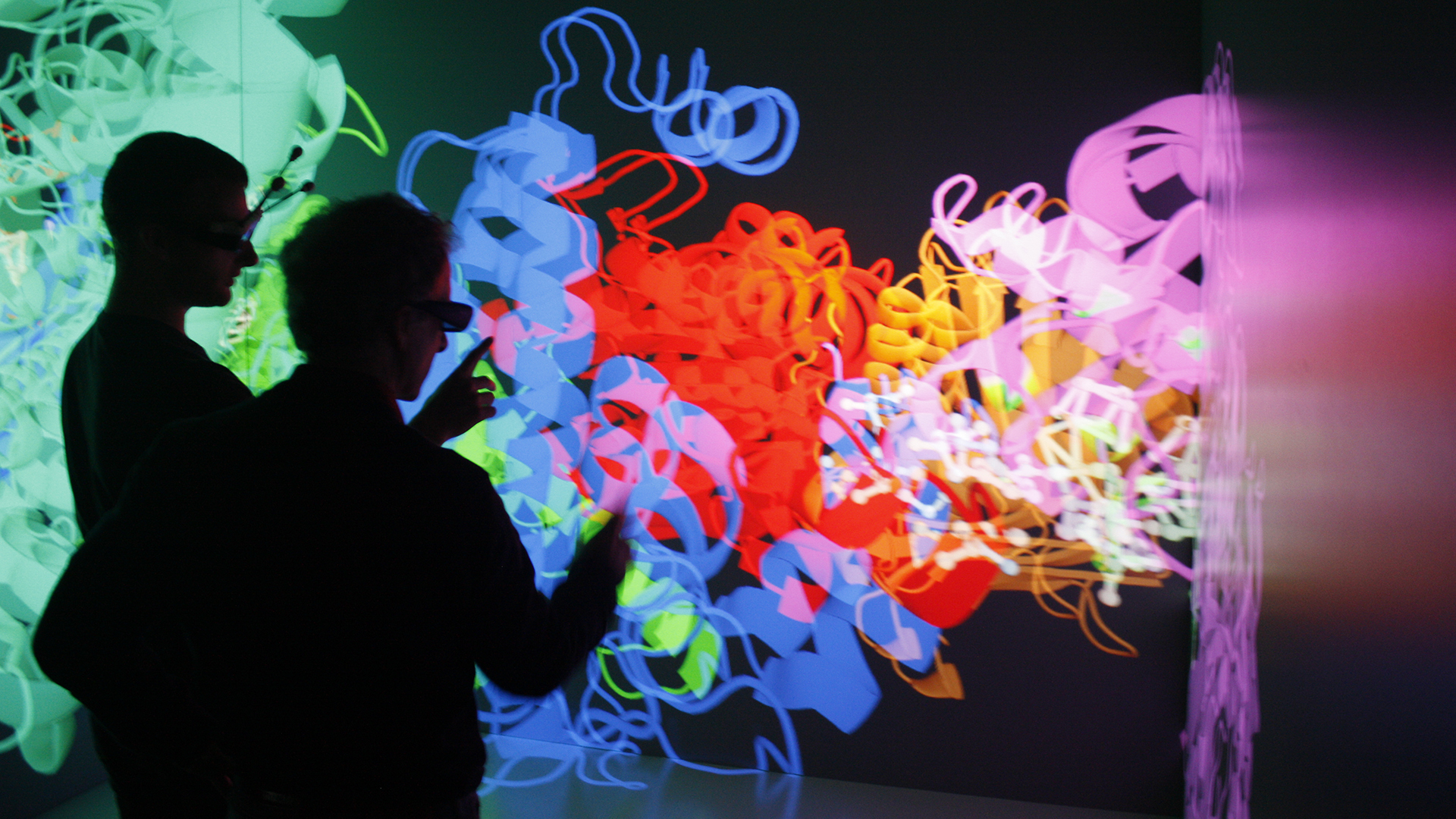
Visualization Studio
Powerful hub for immersive AR/VR experience that brings bold ideas to life.
The Visualization Studio provides campus-wide access to augmented/virtual reality development workstations and equipment, and the space to engage with it. It is a multidisciplinary space, engaging a wide array of students, and creating partnerships with many of the schools and colleges found on campus, from Engineering to Art & Design.
While we can occasionally accommodate reservations for workshops or special events, access to the studio is intended to be open to all on a walk-in basis.
Walk-in Hours: Mon–Fri 9AM – 5PM
After-hours access: MCard required after 5PM or during classes
Staff Support: Mon–Fri 9AM – 8PM (Sat–Sun unavailable)
Weekends: MCard access only (when building open)
Location: 1401–1405, Duderstadt Center
Get Access
Getting the MCard access to the Visualization Studio allows students, faculty and staff the opportunity to use our resources any time the Duderstadt Center is open.
Who it’s for: U-M students, faculty, and staff
What you’ll do: Complete a short Canvas orientation covering equipment use, space guidelines, and the user agreement.
Steps to get access:
- Complete the Visualization Studio Online Orientation in Canvas.
- Submit the user agreement (final step in the module).
- Wait for approval—MCard access is typically granted within 24 hours, and you’ll receive an email confirmation.
Note: MCard permissions reset each Fall semester. If you’ve had access before, please retake the orientation (or, if Canvas shows all modules completed, skip ahead and resubmit the user agreement)
Explore XR Resources
The Visualization Studio offers a wide range of XR resources, supporting everything from hands-on student projects to industry-level production.
Virtual reality is a completely digital immersive experience. This sometimes takes the form of a head-mounted display, where the user wears a pair of goggles that occlude their vision of the real world. In this format, users are unable to see their real body in the context of the digital environment but can sometimes also see digital avatars of themselves and often have their movements tracked and relayed onto these avatars.
To view your stream from the VR headsets in the Visualization Studio, visit University of Michigan VR Stream and enter the 6-digit streaming code visible in your headset.
Note: In order to use the Meta Quest Pro headsets in the Visualization Studio you will need to Create a Meta Account.
Devices Available
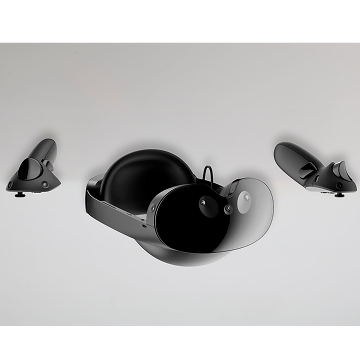
META QUEST PRO (Walk-in Only)
The Meta Quest Pro is a mixed reality headset with full color passthrough. It features outward facing cameras for tracking, pancake lenses rendering 1800 x 1920 pixels per eye, adjustable ergonomic headband, and touch controllers.
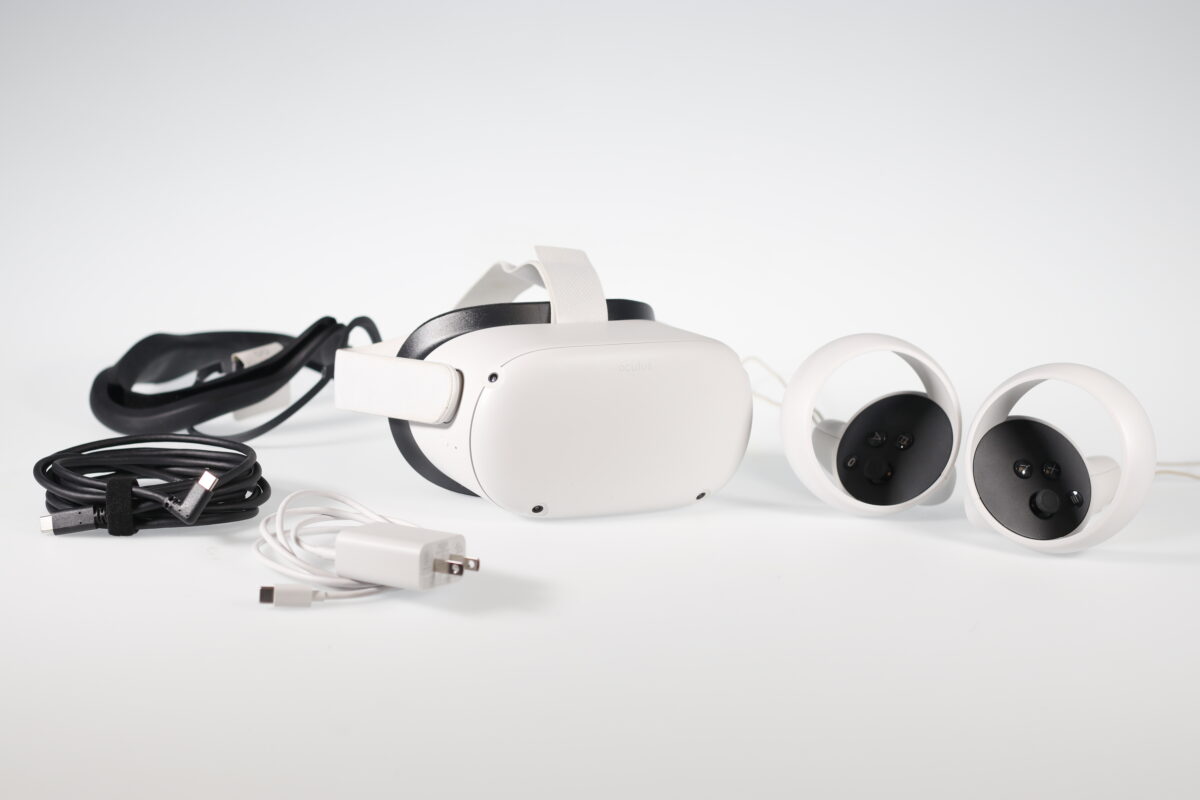
META QUEST 2 & 3
The Meta Quest is a virtual reality headset that can be used as a standalone device or connected to a computer via USB-C. Operating as a standalone device, it has a similar graphics limitation as a mobile phone. It features two six-degrees-of-freedom controllers.
Augmented reality devices aim to enhance the real world by populating it with additional digital content that blends seamlessly into our environment. With augmented reality, your vision of the world around you is not obstructed by a head mounted display like it is with Virtual Reality, where your view obscured by an entirely digital environment. Because of this, augmented reality offers many benefits as a platform for interactive collaborative learning as well as methods for supplementing the world around us with additional information.
Devices Available
META QUEST PRO (Walk-in Only)
The Meta Quest Pro is a mixed reality headset with full color passthrough. It features outward facing cameras for tracking, pancake lenses rendering 1800 x 1920 pixels per eye, adjustable ergonomic headband, and touch controllers.
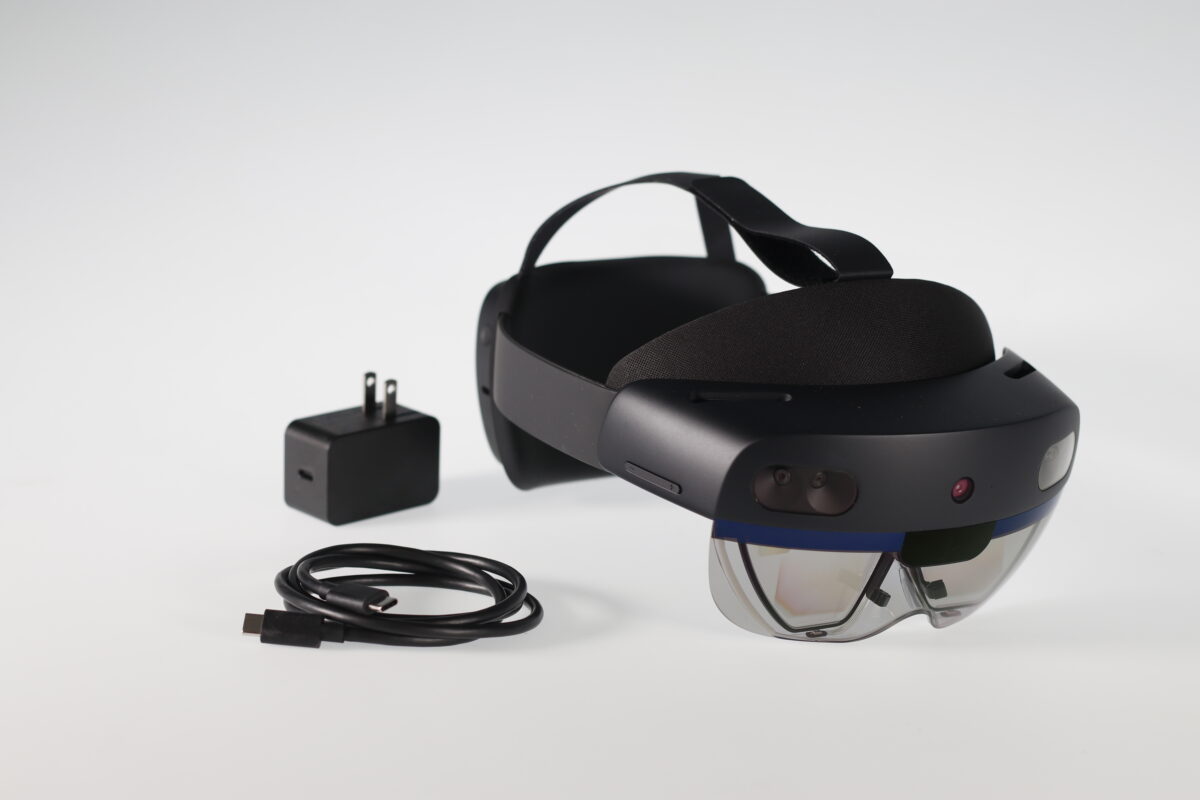
MICROSOFT HOLOLENS
Hololens 1 and Hololens 2 are glasses capable of accentuating the real world with digital content, running the Windows Mixed Reality platform. Available by request for testing or development.
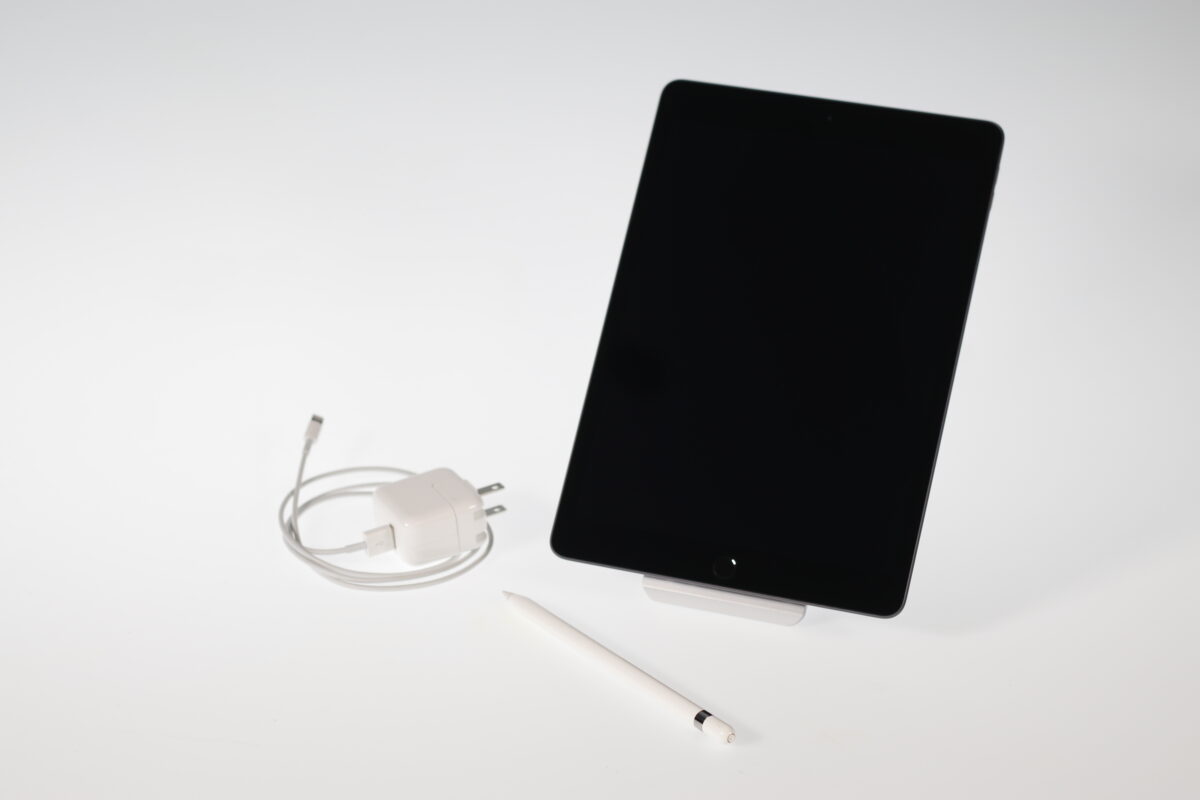
iPAD PRO + PENCIL
Our iPad Pro come with an Apple Pencil to give access to a writable surface for classes. Equipped with forward and rear facing cameras for XR/VR development use.
Photogrammetry is a process for scanning existing objects using digital cameras, and using the captured photos to create 3D models. Objects, people and even places can be replicated in 3D using this method, and the models produced are suitable for 3D printing, putting them on the web, or even bringing into a game engine. This process has been used extensively in creating tangible 3D printed museum exhibits and populating video game environments with highly realistic digital assets.
Interested in creating your own 3D modeling? Check our Photogrammetry Webpage for further information.
The Vicon Motion Capture technology available through the Visualization Studio is the same system used by major Hollywood productions like Avatar or Planet of the Apes to translate realistic motion onto digital characters. We offer an 8 camera system suitable for capturing the movement of people, robotics, and other objects. This technology is available through reservation, and involves scheduling a capturing session with the Duderstadt Center’s Motion Capture expert. After a session is complete, the resulting motion data is available in *.FBX, *.BVH or *.TRC formats.
To schedule a Vicon motion capture session, we will need a description of what you are looking to capture & the number of subjects involved. After a capture session, you will be responsible for cleaning the resulting data within the Shogun software (instruction will be provided).
Devices Available
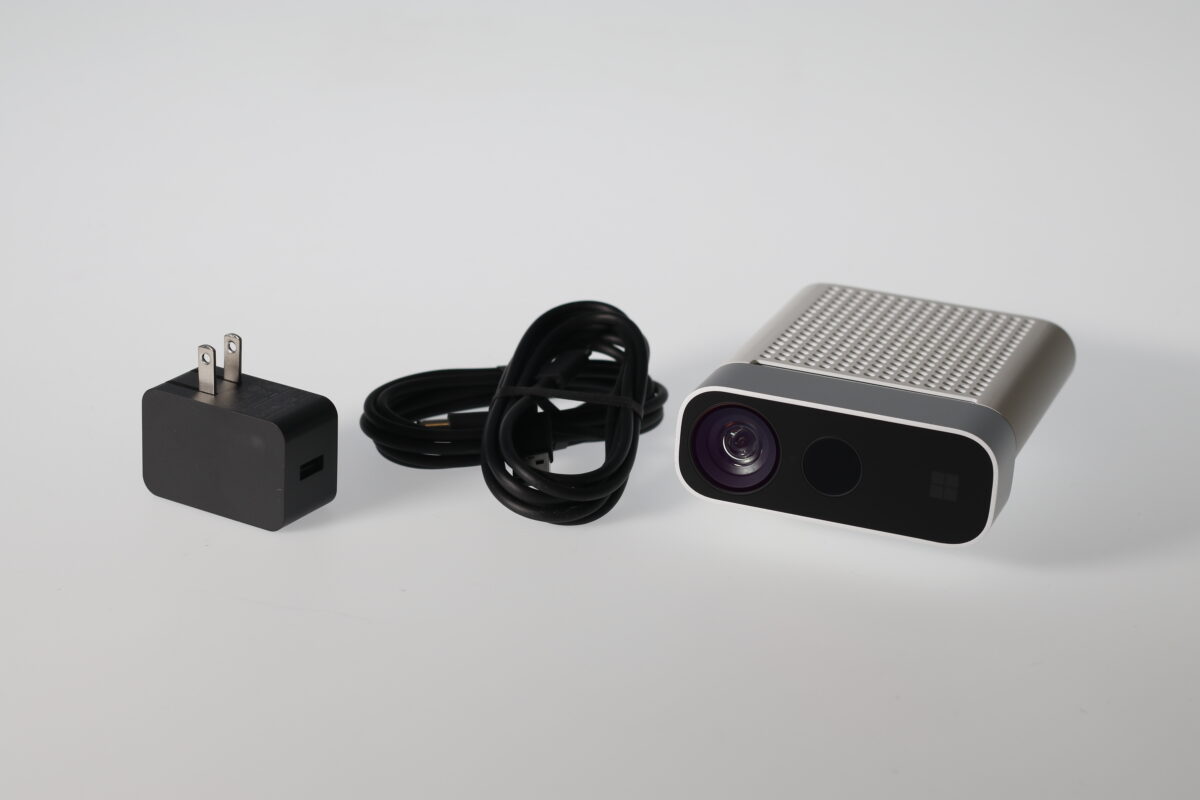
AZURE KINECT
Azure Kinect is a cutting-edge spatial computing developer kit with sophisticated computer vision and speech models, advanced AI sensors, and a range of powerful SDKs that connect to Azure AI Services.
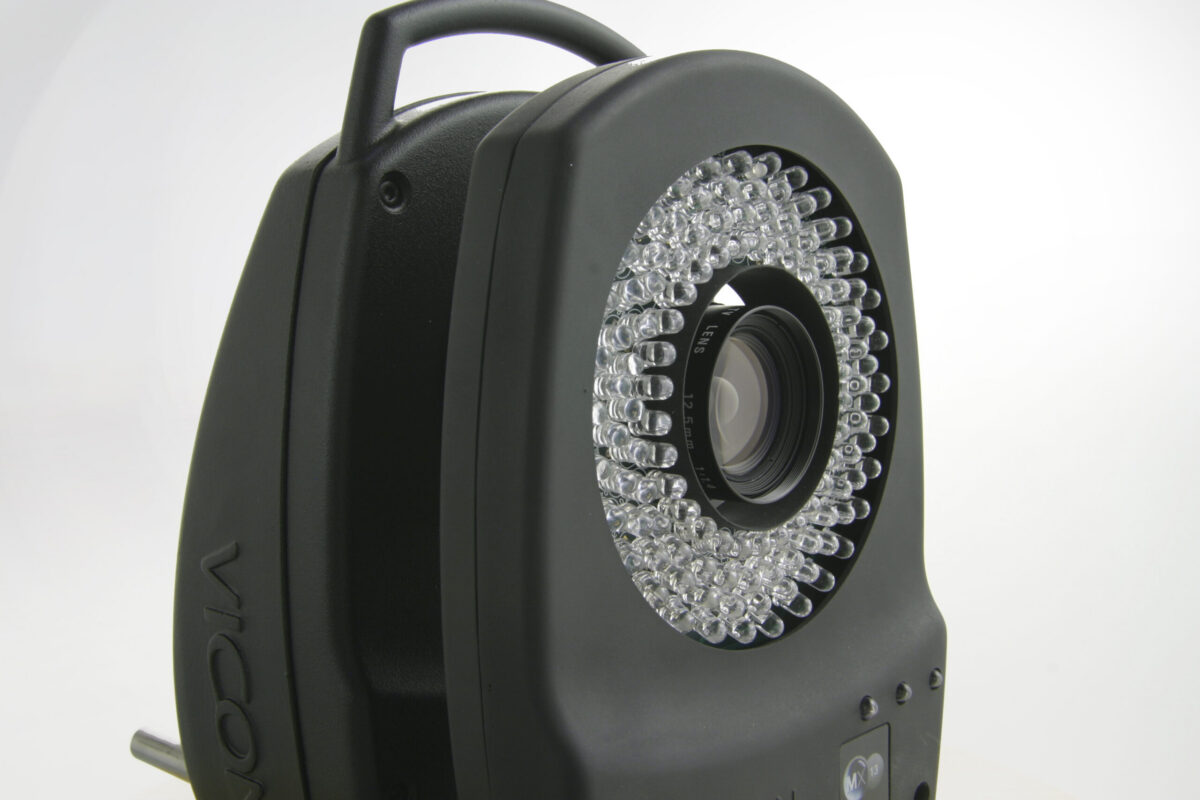
VICON
Our 8 camera Vicon motion capture system is the same system used by major Hollywood productions suitable for capturing the full body movement of people, robotics, and other objects.
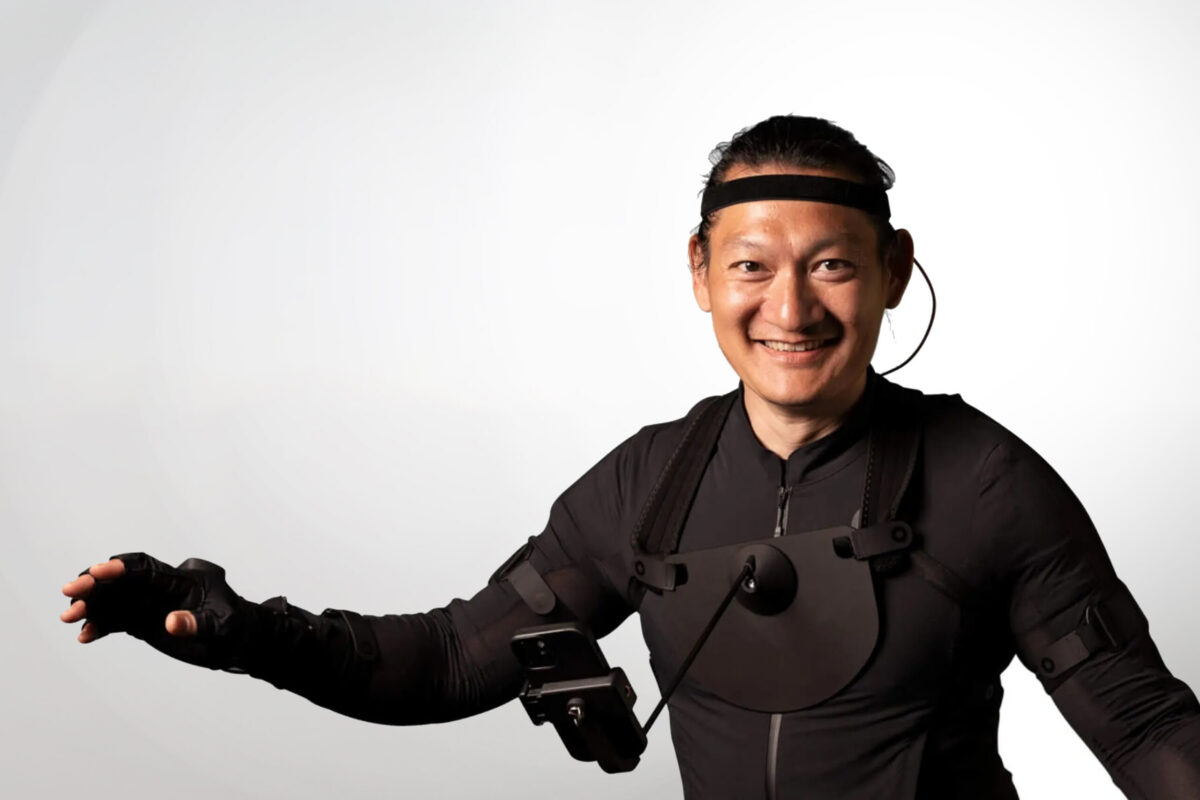
Rokoko Mocap Suit
This full body motion tracking suit relies on accelerometers and gyroscopes to track movement.
360 Video is the process of recording video footage with a special camera that films in 360 degrees. These cameras utilize multiple lenses for capturing footage or images simultaneously in different directions, with the footage or images being stitched together in post, similar to how panoramas are constructed. This footage can be easily ported to web-based platforms that support 360, such as Facebook or Youtube, but can also be viewed from within a virtual reality headset, making the experience more immersive.
Many of these devices can be paired to a user’s phone via an app for remote recording – this feature helps keep the user out of the shot. Monopods to elevate the camera are also available.
Footage from these cameras can be edited just like any other video footage in a video editing software. Adobe Premiere and Final Cut Pro both allow users to toggle between panoramic and 360 view while working with 360 footage in their editors (an immersive 360 view is visible within the Oculus if editing on a Visualization Studio workstation).
Devices Available
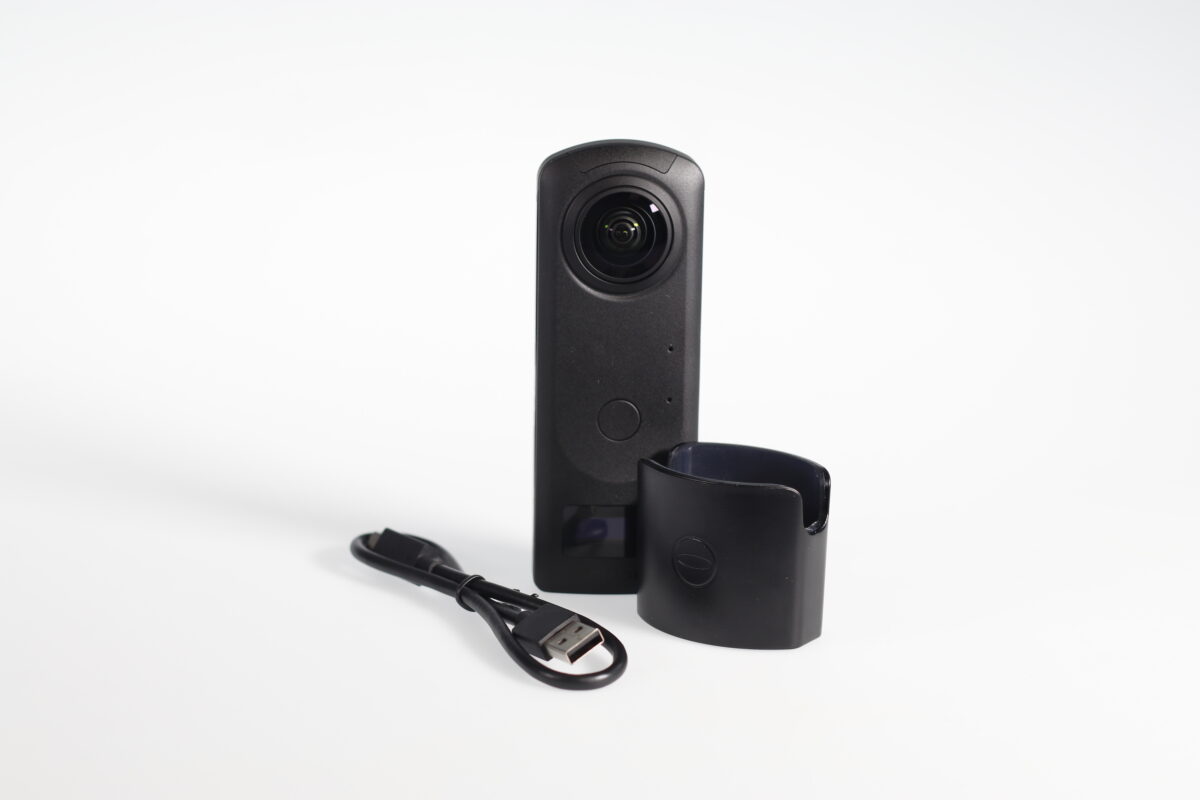
RICOH THETA Z1
The Ricoh Theta Z1 records 360° images using approx. 23MP (6720 x 3360, 7K) still image shooting and spherical video at 4K (3840 x 1920, 29.97 fps) quality. It also supports 360° live streaming in 4K resolution.
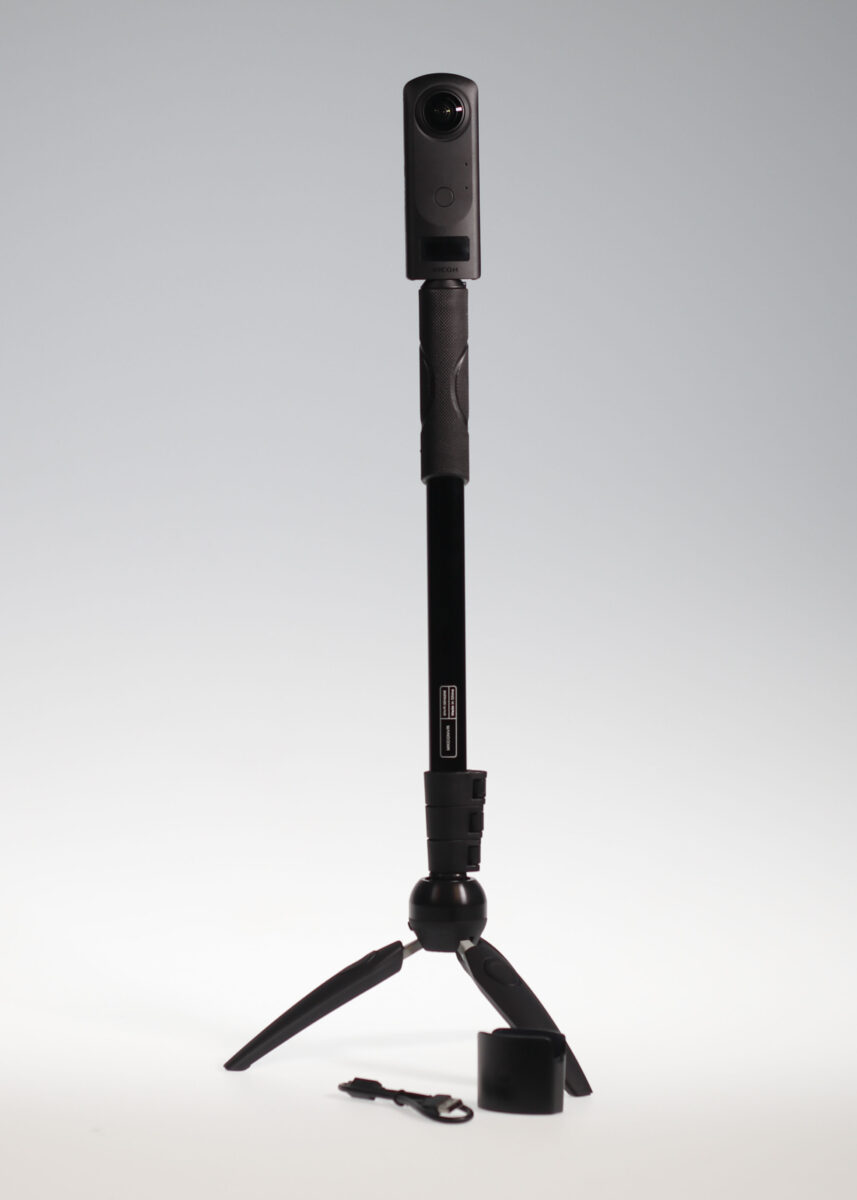
MANFROTTO PIXI EVO MONOPOD
The Manfrotto PIXI EVO is designed to support small 360° cameras. Max Height: 56.3 in. ONLY compatible with the Ricoh Theta Z1 360 Camera.
The Duderstadt Center has an in-house render farm intended to expedite your rendering efforts, be they large format renders intended for print, or frame-by-frame renders for animation.
Our render farm is accessible to you once an account has been created, through the Deadline client software available in GroundWorks and the Visualization Studio.
Interested in rendering your own file? Check our Render Farm Webpage for further information.
Steps to get your file rendered
- Complete the sign-up process on the Visualization Studio Sign-up Page to request Render Farm access.
- Review the Instructions Page to learn how to submit your content through Deadline Monitor.
- Once receiving the confirmation email, compete the Render Submission Form to upload your scene files.
For a complete list of available titles, please visit Visualization Studio Software Webpage.
Software installed locally can be accessed through the Start menu on Visualization Studio workstations. Additional applications are available through the CAEN Software application via Cloudpaging. For the full Cloudpaging catalog, see the CAEN CLSE Software Listing.
Software request deadlines for CAEN CLSE:
Summer Term Deadline: March 1
Fall Term Deadline: May 15
Winter Term Deadline: October 14
Explore Spaces
Explore our reservable spaces, each designed to support different types of XR work and collaboration. From open-access workstations to the immersive MIDEN environment, these spaces provide the tools and flexibility to meet a range of project needs.
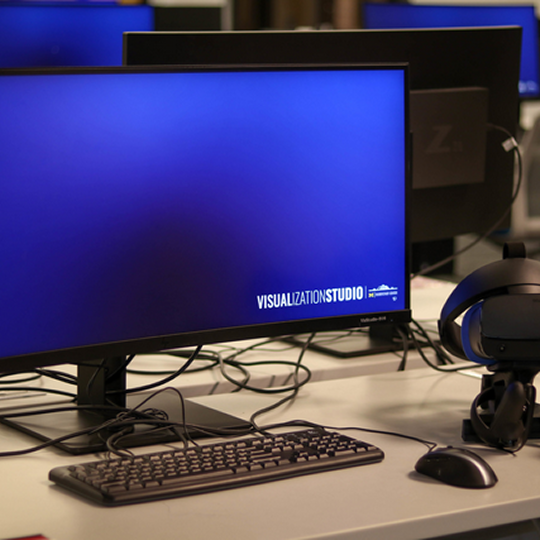
All 31 of the Visualization Studio workstations are configured for XR development with the following specifications:
- Dell Precision 3660
- 13th Generation Intel Core i5-13600K
- Nvidia GeForce RTX 4090
- 64GB DDR5 up to 4400MHz memory
- Windows 11
Reservations are non-exclusive, meaning patrons with MCard access are still welcome to come into the Visualization Studio and use any available workstations.
Note: You must be logged into a University of Michigan Google account in order to view the scheduling calendar.
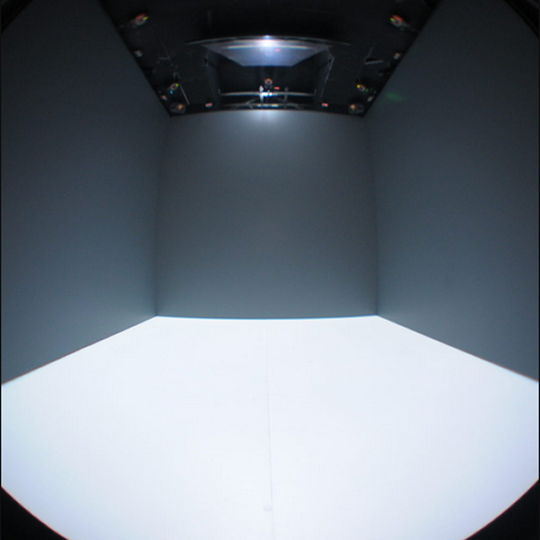
The Duderstadt Center’s M.I.D.E.N. is a 10 × 10 × 10-foot immersive VR environment with 3D stereoscopic projection on four surfaces: left, front, right, and floor. The system tracks users’ positions in real time, adjusting the simulation to match their perspective and creating a highly immersive “inside the data” experience. Upgraded for Fall 2023, it now features four Christie Digital 4K RGB laser projectors and rare multi-view capability that allows two users to interact simultaneously. Users can move naturally within the space or navigate larger virtual environments with a game controller.
For the detailed information, please visit the Visualization Studio MIDEN Webpage.
Note: You must be logged into a University of Michigan Google account in order to view the scheduling calendar.
Work with Us
NEED OUR HELP WITH A PROJECT? The Visualization Studio has a team of experts that provide consultation and development for XR technologies. Since 2008 we’ve assisted nearly every school on campus and contributed to the development of over 130 unique projects. From educational tools to research – if you have a new and exciting XR project, we are here to help.
Do I need to provide a proposal?
Not required, but helpful. A proposal clarifies your project goals and funding needs. If you don’t have one, we may ask for reference images, flow diagrams, or storyboards to define scope before moving forward.
How do you prioritize and vet projects?
Each project is reviewed individually based on scope, timeline, and our development capacity. We prioritize projects that support teaching and innovative research.
How long does XR development take?
Timelines vary by project. After reviewing your materials, we can provide a more accurate estimate. Most XR projects are completed within one or two semesters.
What does it cost?
There is no charge for XR tools developed for classroom use. For funded research projects, we may ask to be included in the proposal budget to cover development time. Hardware costs are not included, but we can help estimate and source needed equipment.
When can you get started?
We typically recommend at least one semester of lead time for planning, testing, and hardware setup. Reaching out early—especially during the brainstorming phase—is encouraged.
If there isn’t enough time, what are the alternatives?
We may be able to scale the project into a smaller prototype or proof of concept. If not, we can suggest existing tools, connect you with student talent, or recommend external development partners.
Ready to learn more about the Visualization Studio or start a project? For general questions or to schedule a consultation, click the Contact Form button below and complete the form. We’ll get back to you as soon as possible.
Help Information
Our faculty and staff are always ready to help. Please read the following sections if you have questions regarding hardware or software. For further question, please reach out to us by filling the Contact Form.
The hardware and software available in the Visualization Studio is managed by both the Duderstadt Center and CAEN. If you encounter a problem with any of the software available in the Visualization Studio or experience a hardware malfunction, please use the form linked below to create a help ticket so we can address the issue for you. If the issue is isolated to a particular workstation, please note the workstation number located on the monitor and computer tower when submitting your help ticket.
Software requests are reviewed case by case based on course need, cost, and licensing, and may be deployed via CAEN Cloudpaging or local installation. Please check the CAEN CLSE List first before putting the requests.
Requests for CLSE inclusion must support a course using the Visualization Studio (no CoE affiliation required).
Please submit any software requests prior to May 15 (Fall), Oct 14 (Winter), or Mar 1 (Summer), and note that the software is for the Duderstadt Center Visualization Studio.
Recent XR Projects
- Space Update: New Workstations Added to Visualization Studio!
- Celebrating 30 Years: Expanding Access to Tomorrow’s Technology
- Technology Supporting Rehabilitation in Stroke Patients
Staff

Stephanie O’Malley
Associate Director, Duderstadt Center

Daniel Vincenz
XR Software Developer & UX Designer

Sara Eskandari
XR Software Developer & Adjunct Lecturer

Sean Petty
XR Software Developer & Graphics Engine Programmer

Steffen Heise
Motion Capture & Visualization Hardware Specialist

Ted Hall
XR Software Developer & Advanced Visualization Specialist
What Our Collaborators Say
“Without your vision and support, there would be no “Citizen Kane VR” nor a virtual production opportunity like the one we just had. Thank you!”
Matthew SolomonProfessor, College of Literature, Science, and the Arts Film, Television, and Media
“Using the VR lab has been an eye-opening experience to say the least. I grew up around technology but had never used a virtual reality headset. I was blown away by the simulations, but using the MIDEN room was mind-blowing. As soon as I got home I had to call my siblings to tell them about how cool it was, and that was just the first day in the XR Lab. I can’t wait to go back.”
AnonymousStudent, University of Michigan
“Incorporating VR technology into the ChE 696/ME 599 course has yielded overwhelmingly positive results,
Riley Garliauskas & Albert Liu
as evidenced by student feedback and statistical data. The immersive nature of VR has enhanced student
engagement, motivation, and comprehension of course material, underscoring its potential as a valuable
educational tool. “Instructors, Department of Chemical Engineering